

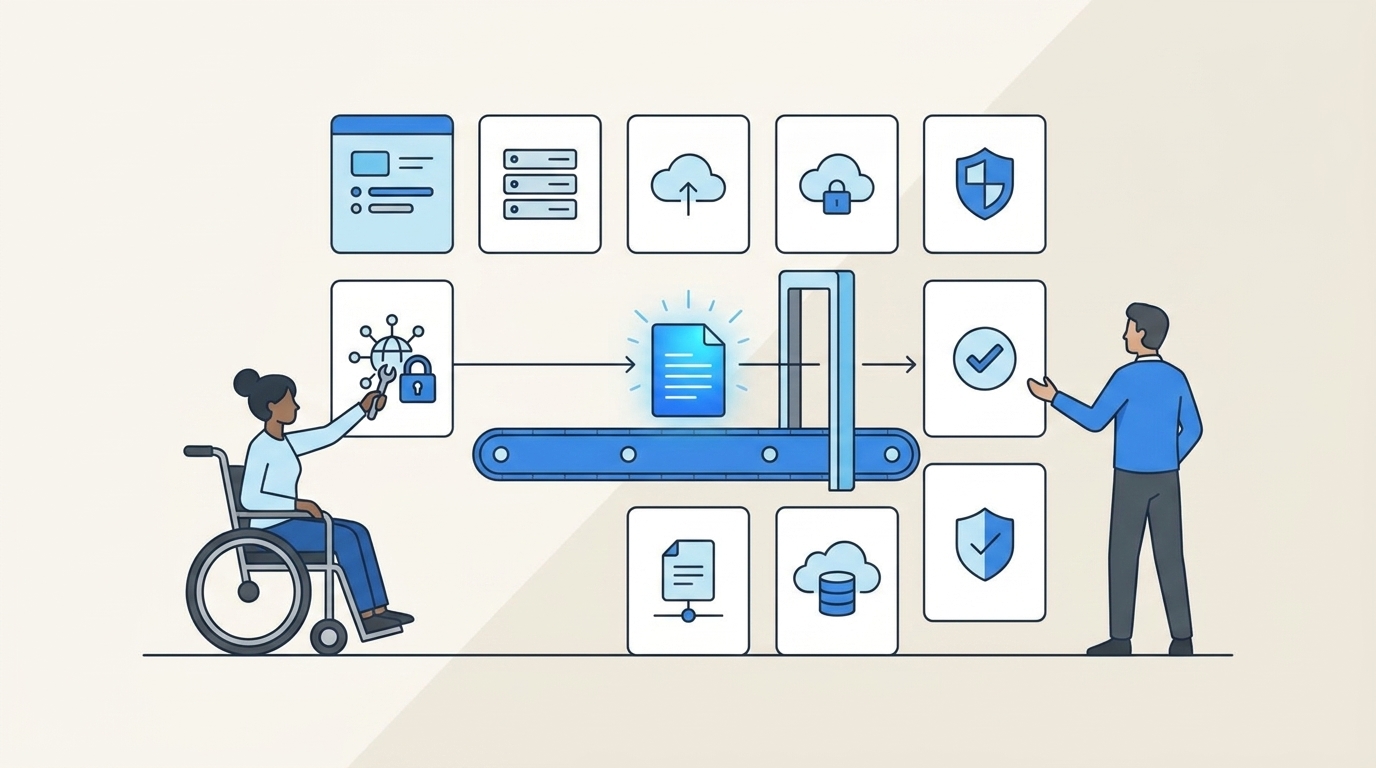
90-day access isn't least privilege. It's just slow-moving overprovisioning with nicer paperwork.
A lot of teams think they're using workflow automation to tighten access control. What they're really doing is automating ticket routing while still leaving the risky parts — standing access, manual revocation, and audit cleanup — untouched.
Key Takeaways:
- Workflow automation only enforces least privilege if access expires automatically
- If elevated access lasts longer than 24 hours, treat it as standing access and review it harder
- The real bottleneck is splitting requests, provisioning, and evidence across different tools
- Jira and Slack are already where the work happens, so governance belongs there too
- Time-bound access works best when provisioning runs through identity provider groups
- Access reviews catch what slipped through — they shouldn't be your first line of defense
- Automation-first least privilege beats policy-heavy approaches that still rely on humans to remember cleanup
Why Most Access Automation Still Leaves Too Much Access Behind
Improving access control with workflow automation sounds good on paper. And to be fair, the old way had a reason for existing. Teams were creating guardrails with the tools they had: Jira for intake, Slack for follow-up, Okta or Entra for the actual change, spreadsheets for the auditor. That setup can work at 20 requests a month.

It breaks when you hit 200. Or 2,000.
A basic request usually looks like this. An employee pings IT in Slack for access to a production tool. The manager replies an hour later. Someone opens Jira to log it. Another admin checks a spreadsheet to remember which group maps to which role. They add the user manually in the identity provider. Nobody sets an expiry. Three months later, the person still has access, the license is still active, and the audit evidence lives in screenshots and half-complete comments. Sound familiar?
The hidden problem isn't that your team lacks policy. It's that your operating model is fragmented. Governance is split across intake, approval, provisioning, and proof. Every split adds latency. Every handoff adds risk. And every manual cleanup task is one more thing that won't happen on time. Routing a ticket through automation, but not enforcing expiry, barely moves the real problem.
The requests feel organized, but the access isn't
A lot of companies mistake tidy tickets for controlled access. Those aren't the same thing.

If your workflow automation stops at "approved," you haven't automated governance. You've automated the front half of a manual process. A simple diagnostic helps here. Pull 25 access requests from the last 60 days and check three things: was access provisioned automatically, was an expiry attached, and was revocation recorded in the same system as the request. If fewer than 20 of the 25 pass all three, your process is still mostly manual.
That threshold matters. Once you drop below 80% closed-loop execution, exceptions become the norm. People stop trusting the workflow, so they work around it. More Slack messages. More side approvals. More "I'll clean that up later."
One more thing worth flagging. If the approver and the person doing provisioning are different people, and the average delay between approval and provision is more than 30 minutes for standard apps, you're not really automating access. You're just making waiting feel formal.
Separate portals create slow approvals and weaker audits
Most teams assume a dedicated governance portal means stronger control. I get the logic. More specialized tool, more control, right?

In practice, the opposite often happens. Employees keep starting in Jira or Slack because that's where they already work. Then they get redirected to another portal. Adoption drops. Requests come in through back channels anyway. Approvals drift into email. Evidence gets rebuilt later. So now you've added one more system and still kept the mess.
A mid-market team in advertising hit this exact wall while scaling from 100 to 500 employees. Their IT queue spiked right after onboarding waves, and requests came in without enough detail to act on. Once they moved to a self-service catalog inside Jira Service Management, they processed 500+ app requests in six months and saved 70+ hours of IT productivity. That's not just a tooling story. It's a workflow design story.
The real issue with separate portals is behavioral, not technical. Systems people don't visit don't get followed. Systems embedded in daily work do.
Least privilege fails when revocation depends on memory
This is the part most teams underestimate.
Granting access is visible. Revoking it usually isn't. Nobody celebrates a removed admin group. So if your least privilege model depends on someone remembering to remove access later, you don't have least privilege. You have deferred risk.
I'd use a simple rule here. If the access is elevated and tied to production systems, customer data, finance systems, or admin rights, default duration should be 1 to 24 hours — not open-ended. If your team is granting 7-day or 30-day access by default because it feels easier operationally, that's a process smell. The process is telling you the workflow is too manual to support real least privilege.
That's also where the emotional drag shows up. Your team starts cutting corners because every "proper" access request feels like a mini project. People get frustrated. Security gets painted as the blocker. IT gets buried in follow-up. Then the audit comes around and everyone scrambles to explain why temporary access somehow became permanent.
The Real Problem Isn't Approval Speed, It's Operational Enforcement
Workflow automation only enforces least privilege when it controls the full access lifecycle — not just the request form.
That's the shift. Most teams optimize for approval speed. The better teams optimize for enforcement speed. Approval is a decision. Enforcement is the actual change: provision, expire, revoke, record. If those are disconnected, your control exists mostly in theory.
Start by diagnosing where your current model sits
Before changing anything, figure out what kind of system you actually have. Not the one on the architecture slide. The one people live in every day.
Ask yourself five questions:
- Do employees request access in the same place they request other IT help?
- Do approvers act in tools they already use, or do they need a separate portal?
- Does approval trigger automatic provisioning through the identity provider?
- Is expiry set at the time of request for elevated access?
- Is revocation evidence written back to the original ticket automatically?
If you answered "no" to two or more, you've got a fragmented model. If you answered "no" to four or more, it's a systems problem, not a policy problem.
That distinction matters because teams often respond the wrong way. They write stricter policy. Add more approvers. Create another review step. None of that fixes broken operational enforcement.
Policy-heavy least privilege sounds strong, but usually doesn't hold
On paper, heavy policy looks rigorous. Multiple approval layers. Longer review chains. Detailed exceptions. Security feels covered.
But once a process crosses 72 hours for normal access requests, people start bypassing it. That's the threshold I'd watch — not because 72 is magic, but because after three days the business invents side doors. Managers message admins directly. Engineers share accounts. Temporary access gets granted with no timer because the ticket queue is behind.
This is why automation-first least privilege beats policy-heavy approaches without operational enforcement. The stronger control is the one that actually runs every time.
A fintech company scaling past 1,000 employees had hundreds of routine access requests coming through multiple channels. Once that flow was automated, the team stopped burning hours on repetitive requests and freed up time for higher-value work. Fewer heroics. Better defaults.
The split between ITSM and IGA is the drag
The bottleneck isn't that ITSM is weak or IGA is weak. It's the split between them. One system owns intake. Another owns policy. Another owns provisioning. Another owns proof. The human becomes the integration layer — and humans are expensive middleware.
Think of it like an airport with four separate security checkpoints, each run by a different company, none sharing data in real time. You might still get people through. Eventually. But it's slow, inconsistent, and everyone starts looking for shortcuts. That's what fragmented access governance feels like at scale.
Pulling those steps into one operating lane changes the math. Fewer handoffs. Fewer missed approvals. Fewer orphaned entitlements. Cleaner audits because the evidence is generated by normal work, not reconstructed after the fact.
What Workflow Automation for Least Privilege Actually Looks Like
Enforcing least privilege through workflow automation means designing the request, approval, provisioning, expiry, and review cycle as one system. Not five loosely connected tasks.
First, decide which access should be temporary by default
Not every app needs the same control. Treating all access the same is one of the biggest mistakes teams make.
A simple tiering rule:
- Low-risk, daily-use access: standard approval, open-ended
- Access that touches production, customer data, finance, or admin settings: time-bound by default
- Rare, elevated, incident-driven access: default duration of 1–6 hours, not 24
That last one matters more than people think. A lot of teams default to 24 hours because it feels reasonable. But if the actual task takes 20 minutes, 24 hours is just a polite version of standing access.
One exception: if your environment still relies on manual, non-SSO grants for a given app, don't promise auto-revocation. Move that app onto identity-provider-based control before you market just-in-time access internally.
Second, make approval happen where people already work
Approvals die in neglected systems.
If approvers need a new portal, adoption drops. If they can act in Slack or Jira, cycle times tighten fast. A team supporting 420+ employees with just four IT ops people automated 75% of access requests after moving to an app catalog with embedded approval workflows. Below roughly 60% automation, people still feel the queue. Above 70%, the operating model starts to feel genuinely different.
What I've seen work:
- Employees request access in Jira Service Management or Slack
- The request includes app, role, and duration up front
- The workflow routes to the right approver (app owner, manager, or a named user)
- Approval triggers provisioning through the identity provider
- Status and evidence attach to the same ticket
Simple enough to follow. Strong enough to audit. And because employees can browse sanctioned options instead of free-typing requests, request quality improves. Fewer back-and-forth clarifications. Fewer mystery tickets.
Third, tie expiry to provisioning, not to reminders
This is the make-or-break move.
If expiry lives in a calendar invite or a Slack reminder, you've already lost. Revocation needs to be attached to the same mechanism that granted access in the first place.
The rule is clean: if access is granted through an identity provider group, revocation should happen by removing that group membership automatically at the end of the approved window. If access isn't granted that way, your least privilege story has a hole in it.
This is where a lot of teams get surprised. They think the hard part is collecting approvals. It isn't. The hard part is reliable cleanup. That's why time-bound provisioning matters — it makes the secure outcome the default outcome.
A good micro-test: sample 10 elevated-access requests from the past month. Count how many had an expiry set at submission, were revoked on time, and left evidence in the originating record. If fewer than 9 of 10 pass, fix the mechanics before adding more policy.
Fourth, use access reviews as a backstop, not your primary control
Access reviews matter. But they should catch exceptions and drift — not compensate for weak daily enforcement.
When quarterly reviews become your main cleanup mechanism, people can keep unnecessary access for 90–180 days. That's not governance. That's delayed discovery.
A layered model works better:
- Daily control: request workflows, time limits, auto-revocation
- Monthly/quarterly control: access reviews with usage context
- Cost control: inactivity-based license reclamation for low-use apps
Each layer handles a different job. Request workflows decide who gets in. Time-based access limits exposure. Access reviews catch drift. Inactive license reclamation cleans up spend. Security and cost usually meet in the same place: unused access.
Fifth, treat lifecycle changes as part of governance, not separate admin work
A lot of access sprawl starts during onboarding, internal transfers, and offboarding — not ad hoc requests.
If you're using workflow automation to tighten access control, lifecycle transitions belong in scope. New hire. Role change. Manager change. Termination. These are the moments where broad access gets created accidentally and removed too late.
A high-growth apparel company reworked onboarding and lifecycle workflows in Jira Service Management, connected them to Entra, and configured 75+ automations. Over a year, they saved 100+ workdays across onboarding, offboarding, and transfers. That's the direct connection between cleaner lifecycle workflows and tighter access hygiene.
Under 300 employees: start with onboarding and elevated-access requests. Over 300 and growing fast: add transfer and offboarding orchestration quickly. That's when stale access starts compounding fast enough to become a real audit and security problem.
How Multiplier Turns Workflow Automation Into Enforced Least Privilege
Multiplier puts governance inside Jira Service Management and Slack, then ties the real control point to your identity provider. No extra portal. No admins manually stitching together requests, approvals, provisioning, and audit evidence.
Jira-native requests and approvals cut the handoffs
Multiplier's Application Catalog gives employees a Jira-native way to request sanctioned apps and roles through JSM or Slack. Instead of free-form requests landing through Slack, email, and tickets, people choose the app, role, and duration up front.
Approval Workflows route the request to the right person inside Jira or Slack. Approvers can act from Slack DMs or JSM, and the request stays tied to the Jira issue the whole time. The decision doesn't get lost in side channels — which matters a lot when an auditor comes asking three months later.
Because the workflow lives where employees and approvers already work, adoption is much stronger than with a separate governance portal.
Time-bound provisioning makes least privilege real
Time-Based Access lets requesters choose a duration (1, 6, or 24 hours) during submission. Once approved, Multiplier provisions access by adding the user to the mapped identity provider group, starts the timer, and removes that group membership automatically when the window expires.

Automatic revocation is the core control. Not the policy PDF. Not the Slack reminder. The actual removal.
Multiplier also handles Automated Provisioning through identity provider groups, so approved requests trigger group changes in Okta, Entra ID, or Google Workspace and write the result back to the Jira issue. For drift detection, Access Reviews run in JSM with reviewer dashboards showing groups, job titles, departments, last login, and revoke recommendations. Auto Reclaim (Advanced edition) identifies inactive users from identity provider login data, warns them, and revokes access after a grace period.
Worth being straight: automatic revocation depends on access being provisioned through identity provider group membership. Manual, non-SSO grants can be tracked but can't be auto-removed the same way. Still, for the systems that matter most, Multiplier gives you an operating model that holds up. If you want to see it in your own Jira setup, get started with Multiplier.
The Teams That Enforce Least Privilege Build It Into the Workflow
Least privilege doesn't fail because teams don't care. It fails because the workflow doesn't enforce the policy after approval.
That's why workflow automation for access control has to mean more than routing tickets faster. It means time-bound access, automatic revocation, identity-provider-based provisioning, and evidence captured in the same system where the request started. Once you have that, access gets faster, audits get cleaner, and your team stops relying on memory as a control layer.
If your current setup still depends on side-channel approvals, manual group changes, and quarterly spreadsheet cleanup, you don't need more policy first. You need a better operating model.
Frequently Asked Questions
How do I set up time-bound access with Multiplier?
When submitting an access request through JSM or Slack, select the application and role, then choose a duration (1, 6, or 24 hours). Once approved, Multiplier provisions access and sets a timer to revoke it automatically at expiry. No manual cleanup needed.
What if I need to extend access duration in Multiplier?
Submit a new request for the same application and role. If your policies allow it, Multiplier applies the new duration without requiring a full re-approval, so critical tasks don't stall while you wait for another round of sign-offs.
How do I automate access requests in Slack with Multiplier?
Install the Multiplier Slack App, then use the /request command to open the app catalog directly in Slack. Select the application and role, submit the request, and approvers get notified in Slack automatically. A Jira ticket is created for tracking without anyone leaving chat.
Can I track access reviews in Jira with Multiplier?
Yes. Create an access review campaign in JSM, assign reviewers, and they see user attributes, group memberships, and last-login data in context. Reviewers mark Keep or Revoke, Multiplier updates group memberships, and the result is documented in Jira for the audit trail.
How do I manage user access during onboarding with Multiplier?
Use the Application Catalog in JSM to assign apps and roles based on the new hire's position. Provisioning runs through identity provider groups the moment the request is approved. For elevated permissions, set time-bound access so new hires only have what they need for as long as they need it.


