

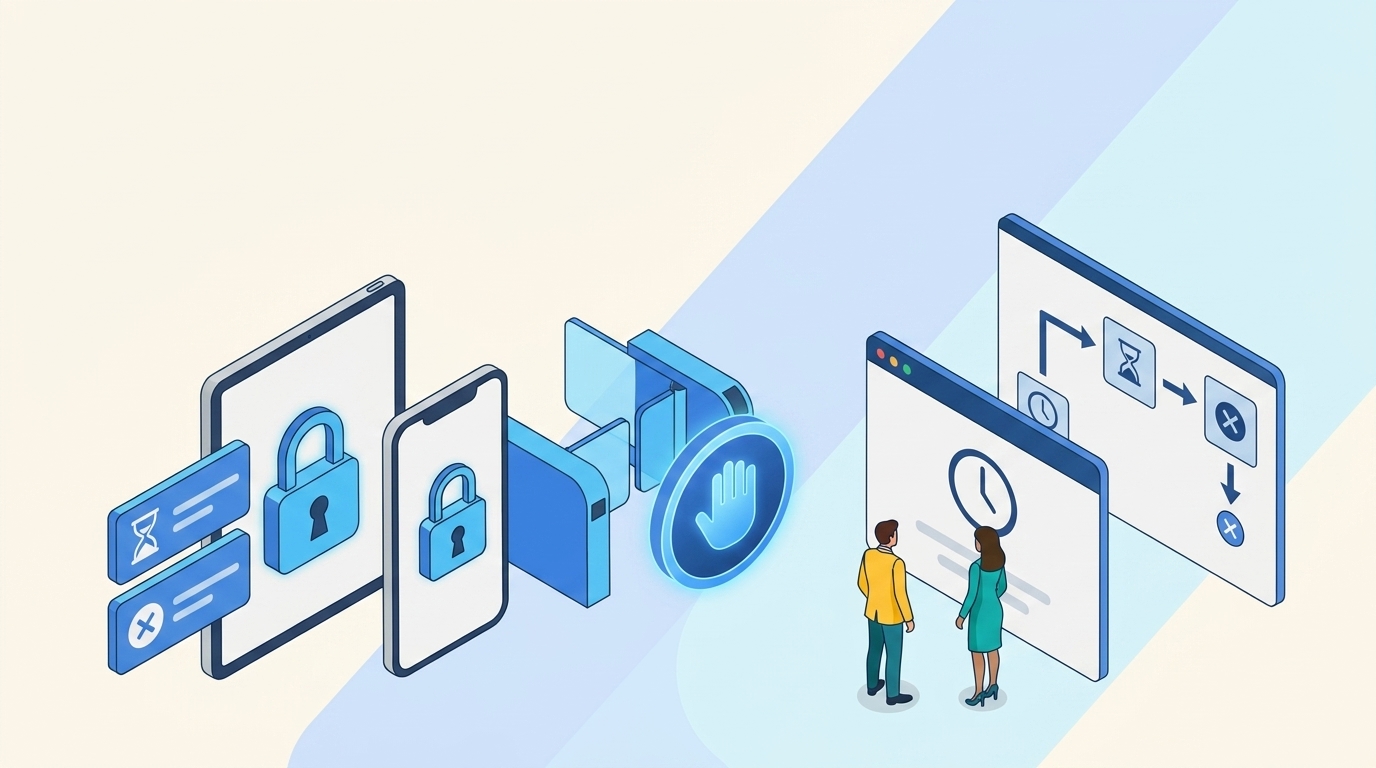
You can lock every laptop after 5 minutes and still leave a paid SaaS session alive for 30 days. The access problem isn't the device lock, it's the session and the license sitting behind it. Teams get this wrong because device locks feel concrete. The screen goes dark, everyone feels safer, and meanwhile the real cost keeps running in an app nobody has opened since last month.
Device locks and session controls matter. Of course they do. They just don't answer the harder question, which is who still has access after the work is done, the project ended, the contractor left, or the app stopped being used.
Key Takeaways:
- Device locks and session controls reduce exposure during active use, but they don't remove stale access.
- If access lasts longer than the business reason for it, you're paying a security and license tax.
- The fastest fix is to make temporary access the default for elevated roles.
- Usage-based license reclamation works better than spreadsheet reviews because it acts on real login activity.
- Jira-native access workflows work because requests, approvals, provisioning, and evidence stay in one record.
Why Device Locks and Session Controls Miss the Bigger Access Problem
Device locks and session controls protect the moment of access, not the full lifecycle of access. They can stop someone from walking away from an unlocked laptop or leaving a browser session alive too long. They don't tell you whether that person should still have the SaaS license, admin role, or production access in the first place.

The Access Problem Starts After Approval
Most access waste is created at 4:47 PM on a Thursday, when a manager taps approve in Slack during an incident. IT adds the user to the right group, the incident resolves by 7 PM, and everyone goes home. The expiration never got set. The Jira ticket went stale. The license is still active 45 days later, and nobody noticed because nothing visibly broke.

This pattern shows up in a bunch of different systems. Jira has the request. Slack has the conversation. Okta or Entra has the group membership. Finance has the SaaS renewal. No single person is trying to create waste, but the process is spread across too many places. It's like checking every door in an office at 6 PM while forgetting that half the visitor badges never got returned.
Security teams reach for device locks and session timeout settings because they're visible and easy to explain. Fair. If a laptop goes idle, lock it. If a session sits open, expire it. The catch is that those controls work at the edge of the workflow, while the real waste sits in the center, where approvals, entitlements, and renewals live.
A Tuesday Morning Ticket Queue Shows the Gap
Picture an IT manager opening Jira at 9:12 AM on Tuesday. 37 access tickets. 11 Slack messages asking for updates. Three managers who approved requests in chat but never clicked the official approval button. Two users need admin access for a 1-hour task, but the default process grants the role with no end date. By 10 AM, the manager has triaged maybe six tickets and granted standing access to four people who only needed an hour.

That's where device locks and session controls feel useful but incomplete. They reduce risk if someone walks away from their machine. They don't claw back the admin role after the task ends. They don't reclaim the unused license after 30 days of inactivity. They don't create clean evidence for the next access review.
CISA's Secure Cloud Business Applications project puts a lot of emphasis on secure configuration across cloud apps, and that makes sense. The harder operational layer is making sure the configuration turns into action every day. If the policy says least privilege but the workflow grants standing access, the policy is mostly a nice-looking PDF.
If your access record already lives in Jira, the next practical question is how much of that decision and cleanup can stay attached to the ticket. Discover how Multiplier handles that flow to see the model in practice.
The Hidden Cost Is Usually a License Problem First
The first CFO conversation usually isn't about session length. It's about SaaS spend. Why are there 400 paid seats in an app with 260 active users? Why did renewals grow faster than headcount? Why are former project members still holding $80/month licenses six months after they rolled off?
Security cares because standing access creates risk. Finance cares because inactive users cost money. IT cares because manual cleanup is boring, repetitive work that no one joined the company to do. That's the part people underrate. The same broken access lifecycle creates three different problems for three different leaders, which is why nothing ever gets prioritized — each owner thinks it's somebody else's mess.
One team we studied had grown fast enough that Tuesdays became their access request day from hell. New hires started Monday, and by Tuesday the queue filled with incomplete app requests. After moving to a self-service app catalog in Jira, they processed 500+ app requests in 6 months and saved 70+ hours of IT time. Not magic. Just fewer missing fields, clearer ownership, and a better path from request to approval to access.
The access lifecycle is where the money leaks out.
How to Make Access Temporary Before It Becomes Waste
The better model is to treat access as something that expires unless there's a clear reason to keep it. Device locks and session policies still matter, but they become supporting controls. The operating system changes when access requests include duration, approval, provisioning, usage data, and revocation from the start.
Diagnose Whether You Have a Session Problem or an Access Problem
Before picking a fix, figure out which problem you actually have. A session problem shows up while someone is actively using an app. An access problem shows up when the business reason for that access is gone. Mix those two up, and you'll keep tuning device locks and session settings while stale roles and unused licenses keep piling up.
Run through five questions. If you answer "no" to two or more, your issue is lifecycle control, not session control. Can you see who approved the access? Can you see why they needed it? Can you see when it should expire? Can you tell whether they logged in during the last 30 days? Can you revoke the access without opening a separate system?
The threshold I'd use is 30 days for most paid SaaS apps and 24 hours or less for elevated access. Not every app fits that rule. A payroll admin might need standing access because the role is part of their job. That's a legitimate exception. If an engineer needs production access to fix one incident, granting it forever because the workflow can't handle expiry is the wrong tradeoff.
Use this split:
- Active session issue: Tune device locks, idle timeout, MFA prompts, and browser session length.
- Standing access issue: Add expiry, approval evidence, access reviews, and auto revocation.
- License waste issue: Track last login and reclaim seats after a defined inactivity window.
- Audit issue: Keep request, approval, grant, and revoke evidence in the same ticket.
Put Expiry on the Request, Not on Someone's Memory
Access expiry needs to be decided before the access is granted. Depend on someone remembering to remove it later, and the process will fail. Not because people are lazy. Because IT work is interruption-driven, and cleanup always loses to the next urgent request.
For elevated access, force a duration choice at the point of request. 1 hour, 6 hours, 24 hours. Those numbers aren't sacred, but they create a useful constraint. If someone can't explain why they need more than 24 hours of privileged access, the request probably needs a second look.
We saw this play out with Stavvy after growth and acquisitions left long-lived privileged access hanging around. They moved to a just-in-time access model tied into Jira and Slack, and privileged access dropped by 85%. They also had 1,300+ access requests automatically revoked after the approved access windows ended. That's the part I care about. The win wasn't faster approval. The win was enforced cleanup.
The decision rule is pretty straightforward:
- If access is privileged, make it time-bound by default.
- If access is tied to a project, expire it on the project end date.
- If access is tied to a role, review it quarterly with usage context.
- If access hasn't been used in 30 to 90 days, reclaim it unless there's a documented exception.
Use Login Activity Instead of Gut Feel
License cleanup gets political when it's based on opinion. Someone says, "I might need that tool." Someone else says, "My team uses it sometimes." Then the renewal lands, and everyone acts surprised by the bill. Login activity cuts through that.
A better process starts with real usage data from your identity provider. If a user hasn't logged into an app for 30 days, send a warning. If they still don't log in after the grace period, revoke the license and document the change. For expensive or sensitive apps, tighten the threshold. For seasonal apps, make the window longer.
NIST's Security and Privacy Controls for Information Systems includes access control ideas that map well to this. The control language can get dense, but the operational point is simple. Access should match need. Need changes over time. The workflow has to catch that change without waiting for a quarterly spreadsheet exercise.
Some teams prefer manual review because it feels safer. I get the logic — nobody wants automation removing access from the wrong person. The sharper version is to use exclusions and grace periods, not avoid automation entirely. Executives, break-glass accounts, and critical operations groups can be excluded. Everyone else should have to prove usage with actual login activity.
Keep the Evidence Where the Work Already Happens
Audit evidence gets painful when the work happens in five places. The request is in Jira, approval is in Slack, group assignment is in Okta, review notes are in a spreadsheet, and revocation proof is a screenshot. Then audit season hits, and someone spends two weeks stitching the story back together.
The cleaner approach is to make the ticket the spine of the process. Request created. Approver assigned. Decision captured. Group change executed. Expiry recorded. Revocation logged. If an auditor asks why someone had access, the record should show the full chain without detective work.
For teams already running Jira Service Management, this is where the ITSM and identity governance split gets expensive. Jira is where employees ask for help. The identity provider is where access gets changed. Slack is where approvals often happen. Spreadsheets become the place where evidence goes to die. When those systems don't share a workflow, device locks and session controls become a distraction from the bigger mess.
A useful audit test: pick 10 users with elevated access and try to prove four things in under 15 minutes. Who approved it? Why was it granted? When should it end? Was it removed on time? If you can't answer that from one record, your audit process is going to cost you later.
The next layer is seeing how these controls fit into the tools your team already uses. Try Multiplier's Jira and Slack flow for a closer look at how the access workflow stays inside the systems your team already opens every day.
Separate Everyday Access From Privileged Access
Everyday access and privileged access shouldn't run through the same rules. Giving a marketer viewer access to a design tool isn't the same as giving an engineer production admin access for an incident. When both requests use the same form, same approval path, and same access duration, you either slow everything down or give away too much.
I prefer three access buckets. Low-risk apps can be auto-approved or manager-approved with normal license tracking. Medium-risk apps need an app owner approval and usage-based review. High-risk or privileged access needs short duration, stronger approval, and automatic revocation.
The counterargument is fair: more buckets create more admin work. True, if you manage them manually. The whole point is to encode the rules into the workflow so IT isn't making the same judgment call 40 times a week. Once the access path is clear, the team stops arguing over every ticket.
A practical starting point:
- Low-risk: Viewer roles, general productivity apps, short approval path.
- Medium-risk: Paid seats, customer data, app owner approval.
- High-risk: Admin roles, production systems, time-bound access.
- Exception access: Break-glass or executive exclusions, documented and reviewed.
Review Access With Usage Context, Not Just Names
Access reviews fail when reviewers stare at a spreadsheet full of names and rubber-stamp the whole thing. The reviewer needs context. Department. Job title. Group membership. Last login. Recommendation. Without that, they're guessing.
A good access review should make the decision obvious most of the time. If someone in Sales hasn't logged into a paid design app in 90 days, revoke it. If a Finance user still logs into the expense tool weekly, keep it. If a contractor's end date passed two months ago and the account still has access, remove it and find out why the offboarding workflow missed it.
Access reviews also shouldn't be the only cleanup mechanism. They're better as a backstop. Daily license reclamation catches waste as it happens, and quarterly reviews catch weird edge cases. That combination works better than expecting one giant review campaign to fix months of drift.
The review rule I'd use: if the reviewer needs more than 30 seconds to decide on a normal user, the campaign is missing context. Add login activity, role data, and a recommended action before asking them to approve anything. Otherwise, you're moving the burden from IT to managers and calling it governance.
How Multiplier Automates Temporary Access and Reclamation
Multiplier puts access requests, approvals, time-bound provisioning, license reclamation, and audit evidence inside Jira Service Management and Slack. It works through identity provider group mappings in Okta, Entra ID, or Google Workspace. That matters because the access change stays tied to the Jira issue that started the work.
Temporary Access and Jira Evidence Stay Together
Multiplier's Time-Based Access feature lets requesters choose a duration like 1, 6, or 24 hours during submission. After approval, it adds the user to the mapped identity provider group and starts the expiry timer. When the window ends, it removes the group membership and records the change back on the Jira issue.
That directly fixes the gap between device locks and session controls and actual access cleanup. The laptop can lock. The browser session can expire. The entitlement itself can go away when the approved access window ends. Different controls, different job.
Multiplier also keeps the Application Catalog inside JSM, so employees request approved apps and roles through the same place they already use for IT support. Approvals can route to managers, app owners, or specific users, with decisions happening in Jira or Slack. After approval, provisioning runs through identity provider groups, not a separate side process.
For a team trying to reduce SaaS waste, the more interesting piece is Auto Reclaim. It uses last-login data from connected identity providers, applies inactivity thresholds and grace periods, warns users, then revokes access if they stay inactive. It also generates a Jira ticket documenting the removal. If finance asks why a seat was reclaimed, there's a record.
License Cleanup Works Better When It's Part of the Workflow
Multiplier is strongest when the goal is operational enforcement, not policy decoration. Auto Reclaim is available on the Advanced edition, and its effectiveness depends on accurate last-login data from the identity provider. That limitation matters. If an app doesn't have useful telemetry, no tool should pretend it can magically know usage.

The real benefit is that access cleanup becomes part of normal IT work. Requests enter through the catalog. Approvals happen in Jira or Slack. Provisioning changes the identity provider group. Time-bound access expires on its own. Auto Reclaim removes unused seats based on login activity. Access Reviews in JSM give reviewers user attributes, group data, last login, and recommendations, then revocations can execute through identity provider groups.
That's a much better operating model than tuning device locks and session settings while letting licenses drift for months. If the preceding workflow sounds like the way your team already works, Get started with Multiplier and walk through how Jira-native access governance would fit your current JSM setup.
The Access Model That Finally Matches How Work Happens
Device locks and session controls are still part of the stack. They just shouldn't be the center of your access strategy. The bigger win is making access temporary, usage-aware, and tied to the system where the request already lives.
When access starts in Jira, gets approved in Slack or JSM, provisions through the identity provider, expires automatically, and leaves evidence behind, the whole process gets easier to trust. Fewer stale licenses. Fewer standing privileges. Less audit cleanup.
That's the shift. Stop treating access as a one-time approval. Treat it like something with a start, a reason, a duration, and an end.
Frequently Asked Questions
How do I set up time-based access in Multiplier?
When submitting a request through the JSM portal or Slack, choose a duration (1, 6, or 24 hours). After approval, Multiplier provisions access and starts the timer. When the window ends, it removes the user from the mapped group automatically — no manual follow-up needed. That keeps elevated access temporary and standing privileges from piling up.
What if I need to revoke access before the expiration time?
If you need to revoke access before the set expiration time, you can do so within Multiplier. Locate the Jira ticket associated with the access request and manually transition the ticket to revoke the access. Multiplier will then communicate with your identity provider to remove the user from the relevant group immediately. This ensures that access is managed effectively and securely, even if the original time frame hasn't expired.
Can I automate license reclamation with Multiplier?
Auto Reclaim handles this. Define inactivity thresholds (like 30 days) for your applications within Multiplier. Once configured, it will monitor user login activity from your identity provider. If a user exceeds the inactivity threshold, Multiplier will send them a warning email. If they remain inactive after a grace period, it will automatically revoke their access and generate a Jira ticket documenting the change. This helps optimize your SaaS spend effectively.
When should I conduct access reviews?
Access reviews should typically be conducted quarterly or whenever there are significant changes in your organization, such as new hires or role changes. With Multiplier, you can create access review campaigns directly within Jira. This allows you to assign reviewers, select in-scope applications, and track progress all in one place. By ensuring that reviews are timely and context-rich, you can maintain better control over user access and minimize security risks.
Why does my access request need to be tied to a Jira ticket?
Tying access requests to a Jira ticket is crucial for maintaining a clear audit trail and ensuring accountability. With Multiplier, every access request is logged in Jira, which means you can track who approved the request, why it was granted, and when it should expire. This centralized approach not only simplifies the management of access but also makes it easier to provide evidence during audits, reducing the risk of compliance issues.


