

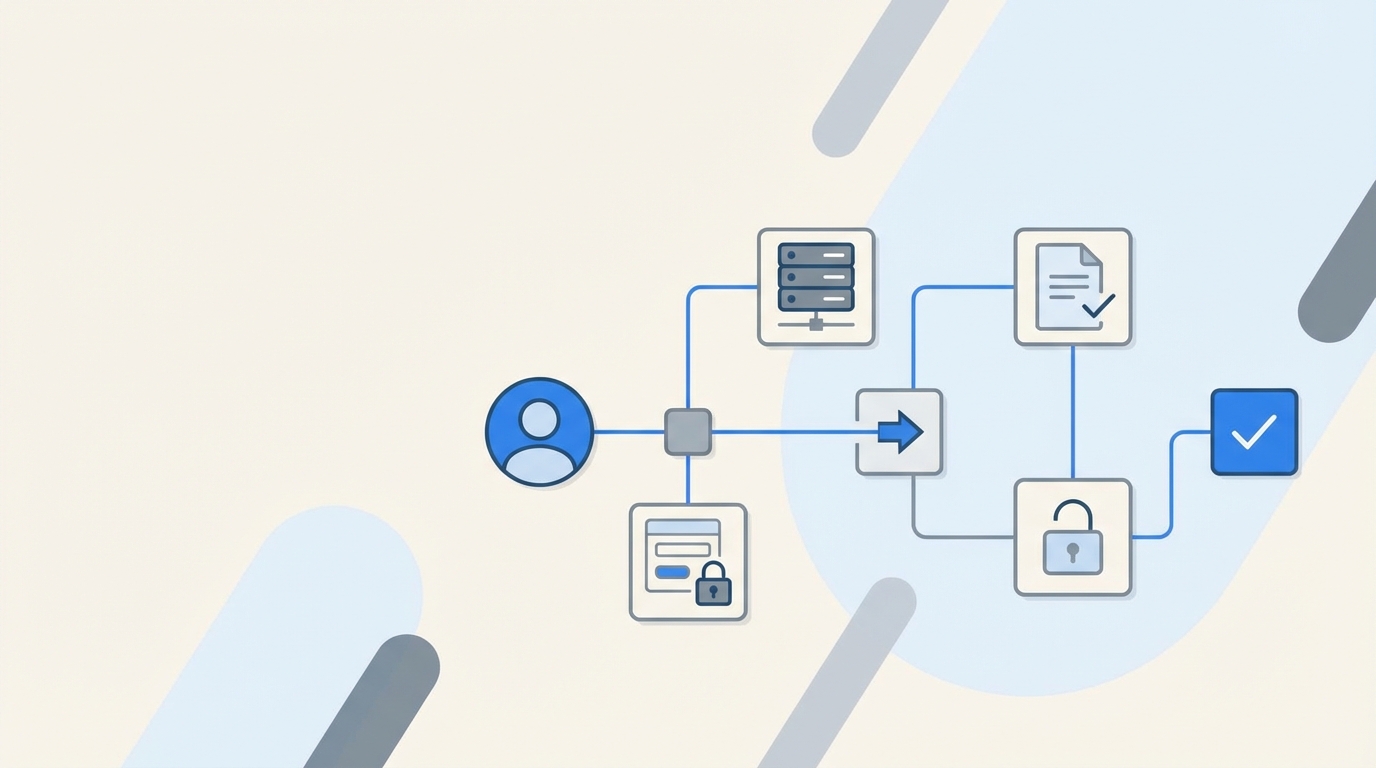
Most IT teams think access is “just a ticket.” Approve, assign a group, done. Then the backlog sneaks up on you, approvals scatter, and audits turn into archaeology. Creating an Effective Workflow for Access Requests is the unlock, not another portal. Put the flow inside Jira and Slack, drive changes through your identity provider, and make expiry the default, not the exception.
I learned this the hard way. You can brute force access for a while, especially with a small headcount and a friendly exec team. Then hiring ramps, audits get serious, and the same gaps keep burning cycles. The pattern repeats across companies of every size. The fix isn’t more meetings. It’s a workflow that lives where work happens.
Key Takeaways:
- Put governance in Jira and Slack so requests, approvals, and evidence live in one place
- Provision and revoke through your identity provider to make changes fast and auditable
- Make access temporary by default to cut standing privilege and license waste
- Run access reviews as Jira campaigns to enforce least privilege without spreadsheets
- Use a self-service app catalog so requests show up complete, with the right context
- Automate 75% of routine requests so IT focuses on exceptions, not copy‑paste work
Why Creating an Effective Workflow for Access Requests Starts in Jira
An effective workflow for access requests starts inside Jira because that is where intake, approvals, and SLAs already live. Keeping the flow in one system eliminates context switching and missing evidence. When approvals happen in Slack and the identity provider executes changes, you get speed and audit readiness together.
The real bottleneck lives between tools
The handoffs kill you. A request lands in Jira, a manager approves by email, someone digs up the right group in a spreadsheet, then jumps into Okta or Entra to make the change. Now you have three places to reconcile and zero expiry. Multiply that by hundreds of requests and you are underwater.
I have seen teams try to “fix” this by adding yet another portal. That adds a fourth place to monitor and a fifth place to train people on. Adoption lags, so requests keep coming in Slack anyway. You end up with duplicate processes and more places for evidence to go missing. It feels busy, but it is actually slower.
Stop sending people to another portal
People already live in Jira and Slack. Sending them somewhere else is a tax they will avoid. They will DM approvers, post in a shared channel, or escalate. None of that is auditable. None of it enforces least privilege. And you still have to stitch screenshots into tickets for the auditor later.
Bring the request to the portal they know, route the approval to Slack they already use, and anchor the change to the same Jira issue. Now your record tells a single story from “need access” to “access revoked at expiry.” That is what auditors actually want to see, and it is what keeps your team sane.
Reframing the Problem: Access Requests Are a Process, Not Tickets
Access requests are a repeatable process with clear stages, not one-off tickets. Treating them as ad hoc tasks creates hidden cost and risk. When you encode the process where teams work, you remove guesswork, enforce time limits, and capture evidence as a byproduct.
Symptoms you blame on speed are governance gaps
Slow access looks like a speed problem. It is actually a structure problem. Requests arrive without the right context. Approvers are unclear. Provisioning steps are manual. Expiry is forgotten. Then reviews become a rubber-stamp exercise because no one trusts the data. That is not a sprint issue. That is a workflow issue.
A clean process fixes that cascade. The request includes the app and role up front. The approver is inserted automatically. Provisioning calls the identity provider, not a human with copy and paste. The record logs everything in one place. Suddenly the same team looks fast, even though they did fewer manual steps.
The root cause is no single source of truth
Most teams lack a single system that ties the decision to the change. Jira holds the request. Slack contains the actual approval click. The identity provider performs the change. Evidence lives in screenshots and side-channel comments. It is easy to miss one link and hard to prove anything later.
When Jira is the system of record and the identity provider is the system of execution, the puzzle snaps together. Approvals are visible. Changes are authoritative. Evidence attaches to the issue automatically. You do not need a separate reconciliation project every quarter. You just run your process.
The Hidden Cost of Broken Access Workflows
Broken access workflows waste time, inflate license costs, and increase audit risk. Each missing context field or manual group assignment adds minutes you never get back. Over a quarter, that becomes weeks of lost work, higher SaaS bills, and standing privileges that should have expired.
Time you lose every week
Missing context is the most common mistake. If the requester does not specify the app role, IT has to ask. If the approver is unclear, the ticket sits. If group names live in a spreadsheet, you are searching instead of shipping. Ten extra minutes per ticket across hundreds of tickets is many hours a week.
Manual provisioning adds more drag. Humans make typos. Humans forget to remove access after incidents. Humans get interrupted. The cure is boring automation that calls your identity provider to add and remove users from groups with a single source of truth. Atlassian’s own guidance on Jira Service Management approvals points the same direction: keep approvals traceable in the service desk, not in email threads you cannot audit later. See the Jira Service Management approvals guide.
Audit risk and standing privilege
Standing privilege creeps in when expiry is manual. Someone gets temporary admin for a hotfix and never loses it. Now your audit has a hole. Least privilege is not a poster on the wall, it is operational enforcement. The NIST controls expect it. Look at NIST SP 800‑53 AC‑6 guidance if you want the formal language.
License waste is the quieter cost. When no one checks usage, idle accounts linger. You pay for seats people do not use. Then finance asks for cuts and IT scrambles with spreadsheets. A better workflow reads last login data from the identity provider and reclaims automatically. No drama. Just lower spend.
What It Feels Like to Live in the Old Way
The old way is constant interruption and low trust. You chase managers for approvals, copy group names between tabs, and pray the auditor does not ask for what you cannot prove. Teams burn out not because the work is hard, but because the process is broken.
Chasing approvals in five places
Approvals are not decisions when they are scattered. They are delays. You ping someone in Slack, get a “thumbs up,” then forget to paste it into the ticket. Another request slips into email and dies in a folder. Meanwhile the employee pings you again. Everyone is frustrated. No one is wrong. The system is.
Centralizing the decision in a place people already watch changes the tone. Approvers can click once. Requesters get updates they can see. IT can prove what happened without hunting across tools. You will feel the temperature drop in your support channel in a week.
Late-night fixes and screenshot audits
I have sat in those “audit prep” meetings where folks spend hours gluing screenshots into tickets. It is a ritual that hides a deeper truth. Evidence should fall out of the workflow automatically. If you are rebuilding the past, your process is failing you.
A good process is quiet. Approvals and provisioning write back to the issue. Expiry logs the removal. Reviews capture Keep or Revoke with reasons, and the revocation executes. You do not need a war room for that. You need a workflow that does not fight you.
Creating an Effective Workflow for Access Requests: The New Approach
The new approach puts intake, approvals, and evidence in Jira, executes changes through the identity provider, and enforces time-bound access by default. You design for Slack-first approvals, run reviews as Jira campaigns, and automate license reclamation from real login data. The outcome is faster access and stronger least privilege.
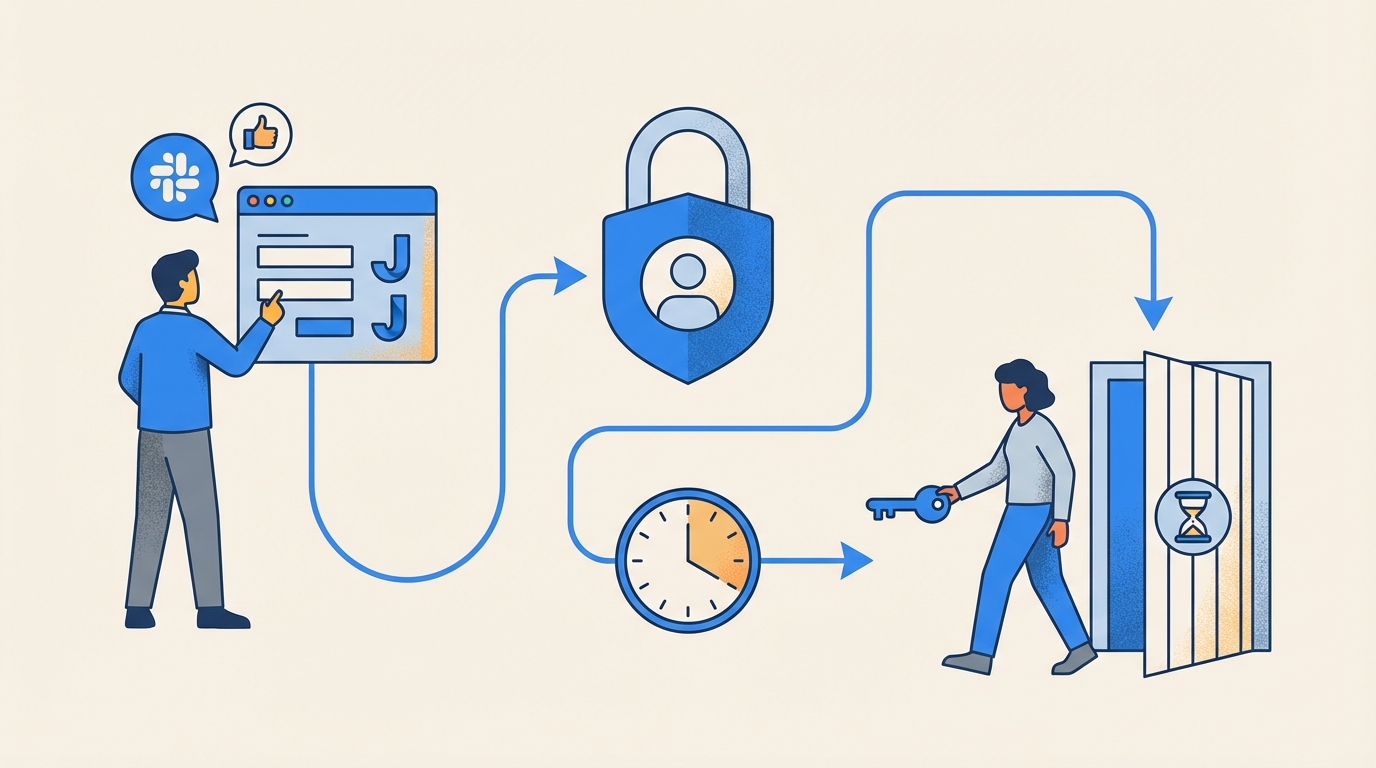
Design for where work already happens
Start with the portal and chat. Employees should request access from a self-service catalog in Jira or by typing a simple command in Slack. Approvals should meet managers where they are, with a single click that ties back to the ticket. No new logins. No new portals. Adoption follows convenience.
Keep the identity provider as your execution layer. Every grant and revoke should be a group membership change, not an out-of-band click inside a random app. The more you route through Okta, Entra, or Google Workspace, the more your records stay accurate and auditable. Okta’s own docs explain why group-based provisioning stays sane at scale. See the Okta group-based provisioning documentation.
Make least privilege operational
Temporary by default beats policy by memo. Most elevated access should expire in hours, not months. If someone needs more time, extend it with the same workflow. Reviews should run in Jira, show last login context, and execute revocations automatically. You do not want reviewers rubber-stamping. You want them deciding with data.
If you like a simple checklist, use this to shape your flow:
- Put a visual app catalog in your JSM portal and mirror it in Slack
- Route approvals to the right owner or manager and anchor the click to the ticket
- Provision and revoke through identity provider groups, not spreadsheets
- Make admin roles time-bound by default and log expiry to the ticket
- Run quarterly access reviews in Jira and reclaim idle licenses from login telemetry
Ready to stop chasing approvals and start shipping access that is fast and auditable? Learn more about Multiplier.
How Multiplier Enables This Workflow in Jira
Multiplier enables this approach by embedding access governance in Jira Service Management and Slack, then executing changes through your identity provider. Requests land complete, approvals click in chat, and provisioning and revocation happen via group assignments. Evidence writes to the ticket automatically.
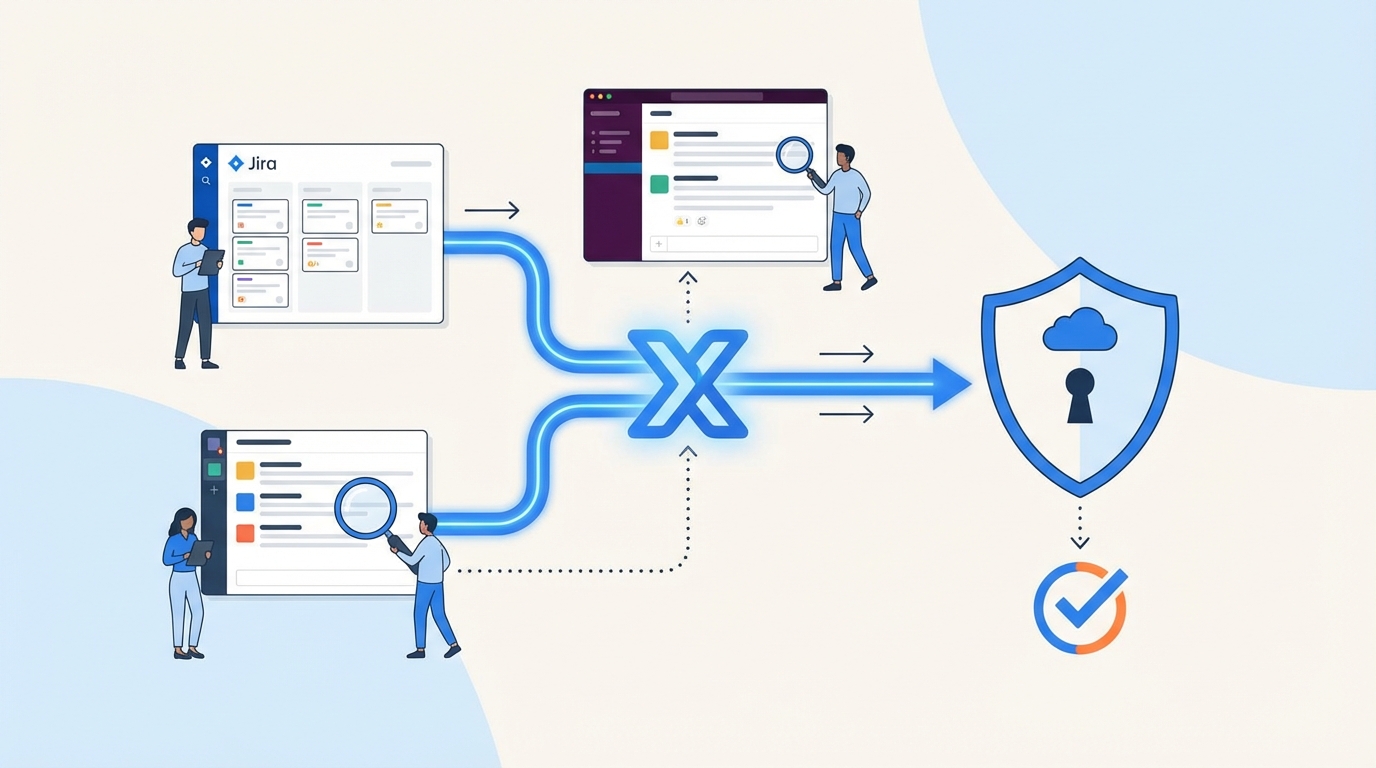
Application Catalog inside JSM
Multiplier’s Application Catalog replaces ad hoc intake with a clean storefront in your JSM portal. Employees pick an app and role, and the request includes the right context on day one. Behind the scenes, apps and groups sync from Okta, Entra, or Google Workspace, so IT is not maintaining parallel lists or guessing at group names.

You can include custom, non-SSO apps too, so even manual provisioning still rides a governed workflow with audit evidence. Catalog status controls visibility, and role-to-group mappings make downstream automation deterministic. The practical effect is simple. Fewer back-and-forths. Fewer mistakes. Faster access that is traceable.
Approvals in Slack and JSM, no new portal
Approval Workflows route decisions to the right owner or the requester’s manager and keep the action inside Slack or JSM. Approvers get a direct message with Approve or Deny and the click transitions the ticket. That decision is captured on the record you will show your auditor later, not lost in email.

Teams can make low-risk roles auto-approve while requiring an explicit gate for higher-risk ones. Either way, the process is visible, trackable, and fast. When the approval hits the configured status, Multiplier kicks off provisioning automatically. No waiting in queue. No manual copy-paste.
75% of routine requests automated. That is what Multiplier delivers. See how Multiplier works.
Provision and revoke through your identity provider
Automated Provisioning adds and removes users from mapped identity provider groups when the ticket reaches the right status. For SSO apps, group-based provisioning pushes entitlements through SAML or SCIM to the application. Multiplier writes success or error back to the issue so you can verify and retry without guesswork.

Time-Based Access makes elevated roles temporary. Requesters choose a duration, access is granted right away after approval, and removal executes on expiry. The whole sequence, request to revoke, stays attached to the ticket. That addresses two big costs we called out earlier: standing privilege and screenshot audits.
Reviews, reclamation, and a tighter loop
Access Reviews run as Jira-native campaigns. Reviewers see user attributes, group memberships, and last login context. They click Keep or Revoke, and Multiplier executes removals automatically through the identity provider and records the change. You get less rubber-stamping and cleaner evidence.

Auto Reclaim reduces SaaS waste by reclaiming licenses from inactive users based on last login telemetry from your identity provider. Policies define thresholds and exclusions, users get a heads-up, and Multiplier removes access and generates a Jira ticket if inactivity continues. Finance stops asking for manual spreadsheets. IT stops guessing.
What changes on day one with Multiplier:
- Bold intake clarity, requests include app and role context from the start
- Bold faster approvals, managers act in Slack and the click ties to the ticket
- Bold hands-off provisioning, identity provider groups handle grants and revokes
- Bold enforced expiry, time-bound access auto-removes on schedule
- Bold clean audits, evidence is written to the Jira issue without screenshots
If you are ready to make this your reality, not a slide, Get started with Multiplier.
Conclusion
Creating an Effective Workflow for Access Requests is not a tooling vanity project. It is the difference between a team that spends hours chasing approvals and a team that ships access in minutes with proof baked in. Put governance in Jira and Slack, execute through your identity provider, and make time-bound access the default. Do that, and you cut waste, reduce risk, and give people what they need without the noise.
Frequently Asked Questions
How do I set up access requests in Multiplier?
To set up access requests in Multiplier, start by integrating it with your Jira Service Management (JSM) instance. You can then create an Application Catalog that displays approved applications for your team. Employees can submit requests through the JSM portal or Slack, selecting the app and role they need. This process ensures that requests include the right context from the beginning, streamlining approvals and provisioning.
What if I need to revoke access quickly?
If you need to revoke access quickly, you can use Multiplier's automated provisioning feature. Once a request is approved, Multiplier provisions access through your identity provider. If access needs to be revoked, simply update the Jira ticket, and Multiplier will automatically remove the user from the appropriate group. This keeps your records accurate and ensures that access is managed efficiently.
Can I automate access reviews with Multiplier?
Yes, you can automate access reviews using Multiplier's Access Review feature. Create a campaign in Jira, select the applications you want to review, and assign reviewers. Reviewers will receive notifications and can mark users to 'Keep' or 'Revoke' access. Multiplier will automatically execute the revocations and update the Jira ticket, making the process efficient and auditable.
When should I use time-based access in Multiplier?
You should use time-based access in Multiplier when granting elevated permissions that are only needed temporarily. During the request process, users can choose a duration for their access (e.g., 1, 6, or 24 hours). After approval, Multiplier automatically revokes access when the time expires, reducing the risk of standing privileges and helping maintain compliance.


