

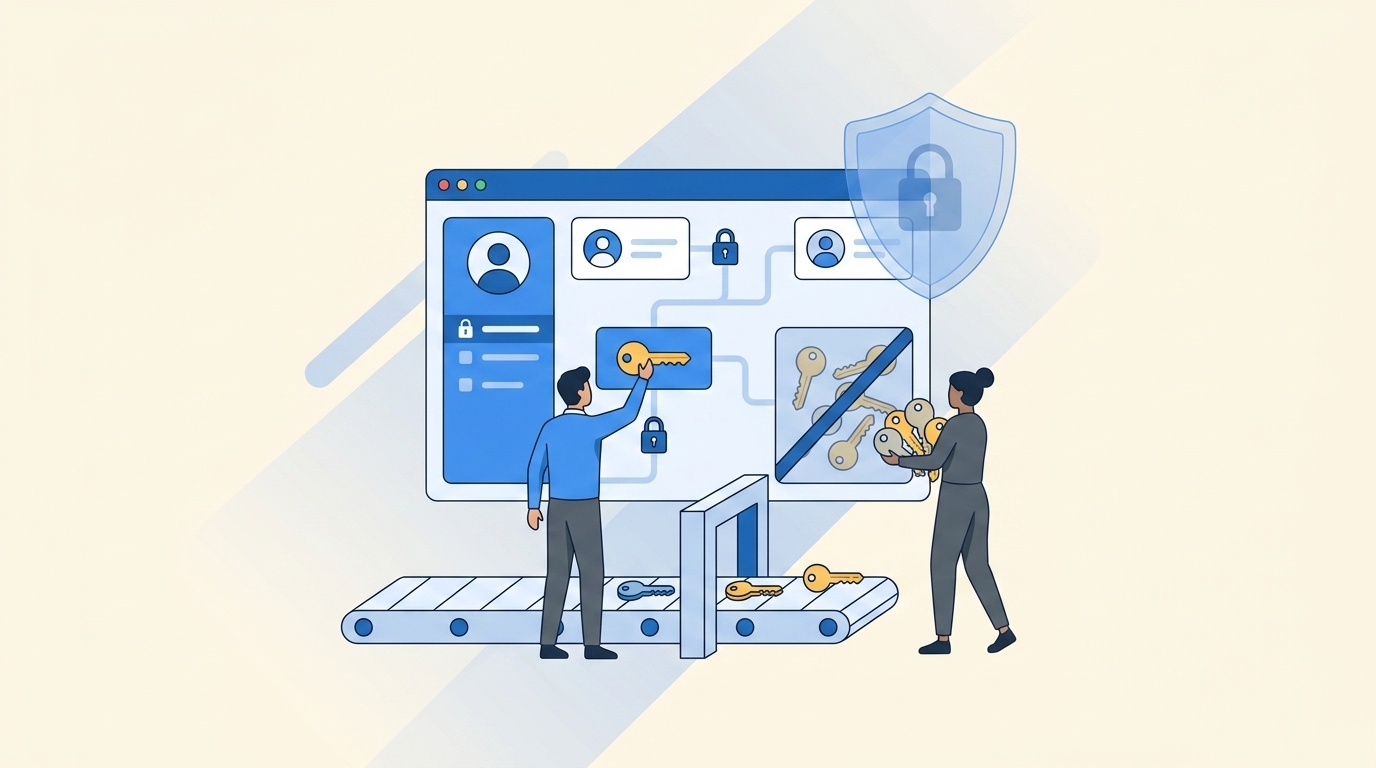
86% of breaches involved stolen credentials or the abuse of legitimate access, according to Verizon’s latest DBIR. And if you’re trying to do privilege creep prevention with quarterly reviews, email approvals, and a few policy docs, you’re already behind.
Most teams think privilege creep prevention is a policy problem. It’s not. It’s an operations problem. If access doesn’t expire on its own, if approvals happen outside the system of record, and if revocations rely on someone remembering later, creep wins by default.
Key Takeaways:
- Privilege creep prevention breaks when access is granted faster than it’s removed
- If elevated access is meant to be temporary, set an expiry at request time or don’t call it least privilege
- Quarterly access reviews catch old mistakes, but they don’t stop new ones from piling up
- If approvals live in Slack and evidence lives in spreadsheets, your audit trail is already fragmented
- The fastest way to reduce standing privilege is to tie access to identity provider groups and auto-revoke at expiry
- Usage context changes access reviews from rubber-stamping into actual cleanup
- Automation-first least privilege beats policy-heavy governance that no one can enforce
Why Privilege Creep Prevention Usually Fails in Practice
Privilege creep prevention fails because most companies still treat removal as a follow-up task instead of part of the original workflow. Access gets requested in one place, approved in another, provisioned in a third, and reviewed months later by someone who barely remembers why it was granted. That setup guarantees drift. It also guarantees a messy audit.
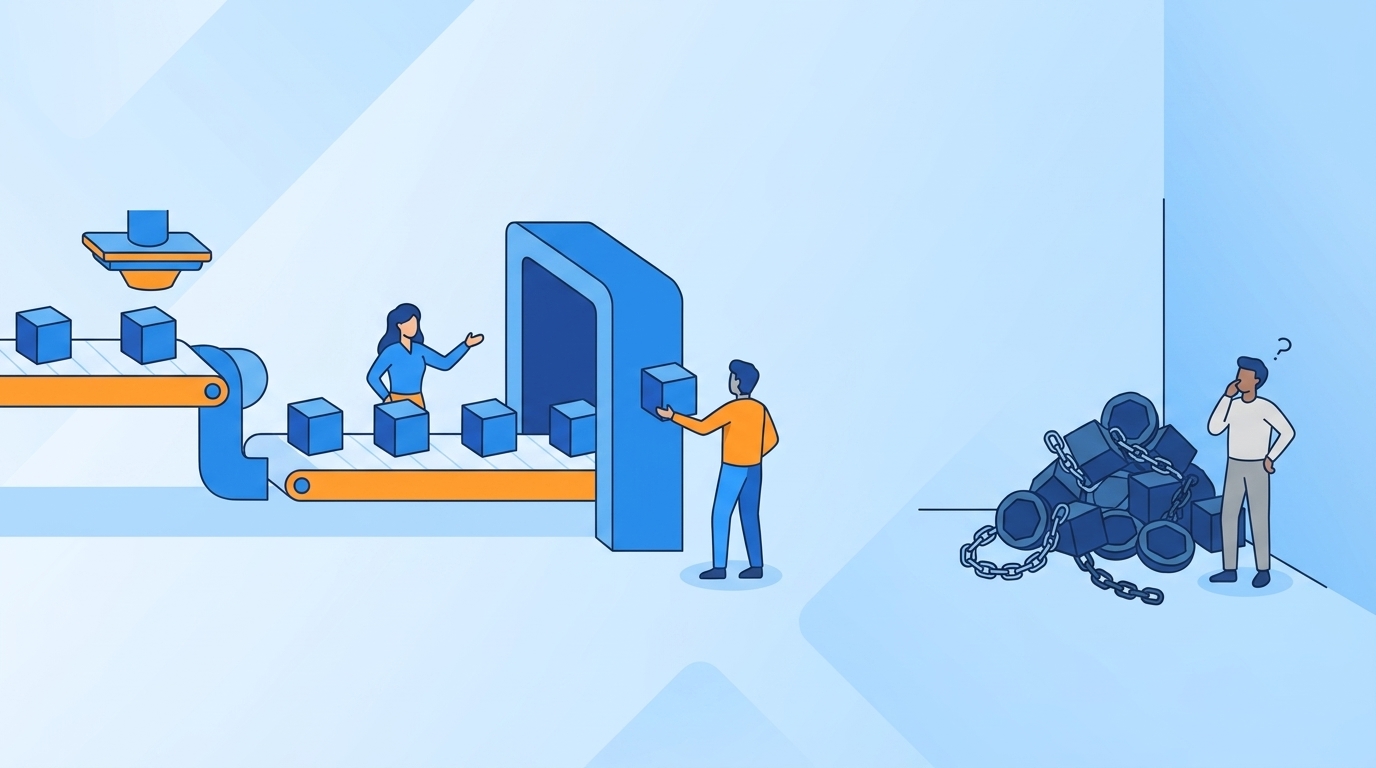
The problem starts with “temporary” access that never ends
A lot of teams say they enforce least privilege. What they really mean is they try to be careful when granting access. That’s not the same thing. Least privilege only works when removal is built into the grant itself.

Think about a pretty normal week for an IT or security team. An engineer needs elevated access to production for an incident. Their manager approves it in Slack. Someone on IT adds them to the right Okta group. The incident gets fixed. Everyone moves on. Three months later, the engineer still has access. Not because anyone made a reckless decision. Just because nobody owned the cleanup.
That’s the dirty secret with privilege creep prevention. The risk rarely comes from one huge bad call. It comes from 200 small reasonable calls that never got reversed.
Fragmented systems create slow access and weaker control
The split between ITSM and identity governance is where a lot of this falls apart. Jira has the request. Slack has the approval. The identity provider has the actual group assignment. Then the audit team asks for proof, and now someone is pulling screenshots and comment threads into a spreadsheet. It’s kind of absurd when you say it out loud.

A separate governance portal sounds controlled on paper. Fair point. Dedicated suites can go deep on policy. But if your employees still work in Jira and Slack all day, and your admins still provision through Okta or Entra, you’ve added another hop into an already messy chain. That extra hop tends to slow access down while making the evidence trail worse, not better.
The old way creates a bad tradeoff. Either you slow everything down and annoy the business, or you loosen control and let standing access pile up.
Quarterly reviews alone won’t save you
Access reviews matter. You need them. But they are cleanup, not prevention.
If you only review access every 90 days, your worst-case standing privilege window is also 90 days, and usually longer. Add one delayed campaign, one reviewer on vacation, one spreadsheet export that’s missing context, and now you’re certifying stale data. That’s not governance. That’s archaeology.
We saw this pattern in a fintech story that will sound familiar. Fast growth, acquisitions, more sensitive systems, more privileged users. The team knew long-lived access had to go. Once they switched to time-bound access, they reduced privileged access by 85% and automatically revoked more than 1,300 requests after approved windows ended. That’s privilege creep prevention in the real world. Not a policy memo. Actual enforced expiry.
If you want to go deeper on the Jira side of governance, Learn more about Multiplier.
The Real Root Cause Is Operational, Not Policy-Based
Privilege creep prevention is really about workflow design. If your workflow assumes people will remember to remove access later, your control is weak no matter how strong the policy language sounds. That’s the reframe most teams miss.
Good policy with weak enforcement still produces bad outcomes
You can write a beautiful least privilege policy. You can require manager approval. You can say elevated access should be temporary. None of that matters much if the process after approval is manual.
This is where people get tripped up. They confuse decision quality with system quality. A manager can make the right call and still create lingering risk if the access grant has no expiry and no automated revocation path. So the issue isn’t only “who approved this?” It’s “what mechanism removes it later, and when?”
If access is granted through identity provider group membership, you can enforce expiry. If it’s granted manually outside that path, you usually can’t. That’s a useful decision rule. Before you approve any privileged access flow, ask one thing: can the same system that grants the access also remove it automatically at a defined time? If the answer is no, you’re not preventing creep. You’re documenting it.
The teams with the least privilege problem often have a tooling problem in disguise
This surprised a lot of people the first few times I saw it. The teams struggling most with standing privilege aren’t always the least mature on security policy. They’re often the most fragmented operationally.
They’ve got Jira for service requests. Slack for fast approvals. Okta or Entra for provisioning. Vanta for audit pressure. Maybe a separate IGA tool layered on top. Maybe spreadsheets in the middle because the official system doesn’t quite fit how people actually work. Every extra handoff introduces delay, and delay pushes teams toward broad permanent access because it feels practical.
And once that happens, privilege creep prevention gets framed as a review problem. It’s actually a flow problem. The faster you can approve, provision, expire, review, and document in one connected chain, the less standing access you create in the first place.
What to check before you blame the reviewers
Before you say your review cadence is the issue, check these three things.
- How many privileged requests are granted without an explicit duration?
- How many grants require a human to remove access later?
- How many approvals happen outside the system that records the final change?
If the answer to any of those is more than 10%, you probably don’t have a reviewer problem. You have a workflow integrity problem.
That 10% threshold matters because exceptions spread fast. Once teams realize some access can be granted outside the clean path, they start routing more requests that way. One exception becomes a habit. Then an expectation. Then a backlog workaround everyone quietly depends on.
So the real question isn’t whether your policy says the right thing. It’s whether your daily workflow makes the right thing easy.
What Privilege Creep Prevention Looks Like When It Actually Works
Privilege creep prevention works when access has a built-in lifespan, approvals happen where people already work, and reviews use enough context to drive real revocations. That’s the practical model. Not glamorous. Very effective.
Start by classifying access into permanent, temporary, and review-only buckets
Not every request needs the same treatment. That’s where a lot of overcomplication starts.
If access is low-risk, role-based, and routinely needed, you can automate approval and provisioning through a standard path. If access is elevated, production-related, or tied to sensitive data, make it time-bound by default. If access can’t be auto-revoked because it’s manual or outside your identity provider path, then it belongs in a higher-friction bucket with tighter review. Simple.
A lot of teams mash all three together. Then every request gets treated like a special case. That slows down low-risk work and still leaves high-risk access hanging around too long. I’d argue the better move is to decide the removal mechanism first, then decide the approval path.
A quick test helps here:
- If access can be mapped to an identity provider group, automate grant and revoke
- If access is elevated and used for incidents or admin work, require a duration up front
- If access can’t be auto-removed, shorten review intervals to 30 days, not 90
That last one is a real tradeoff. More frequent review creates admin work. True. But manual access with quarterly review is where least privilege goes to die.
Put expiry at the front of the request, not at the end of the incident
This is one of those small design choices that changes everything. If someone requests admin access and the form asks for 1 hour, 6 hours, or 24 hours right there, you’ve turned least privilege into an operational setting. Not a vague intention.
If you wait until later to decide when to revoke, later usually never comes.
A mid-market fintech team did exactly this with privileged workflows. They pushed time limits into the request itself, tied approvals into the same working flow, and let expiry happen automatically once the window closed. The result was an 85% reduction in privileged access. Not because people became more disciplined overnight. Because the system stopped asking them to remember.
That’s why I’m pretty opinionated on this. Automation-first least privilege beats policy-heavy governance almost every time. Policy can define the rule. Only workflow can enforce it.
If you want to see how that model works inside Jira and Slack, See how Multiplier works.
Run access reviews with usage context or don’t expect meaningful cleanup
A review without context becomes a guessing exercise. Reviewer sees a name, an app, maybe a group, maybe not much else. They click Keep because revoking feels risky when they can’t tell whether the person still uses the tool.
That’s why usage context matters so much. Last login. Job title. Department. Group membership. Recommendation logic. Those details turn access reviews from checkbox theater into an actual decision.
There’s a simple diagnostic here. Pull your last review campaign and look at the revoke rate. If fewer than 5% of reviewed entitlements are removed, one of two things is happening. Either your access posture is unbelievably clean, which is rare, or reviewers didn’t have enough context to challenge what they saw. Usually it’s the second one.
And there’s a valid counterpoint. Some teams worry that too much reviewer context slows campaigns down. Sometimes it does. But a slightly slower review with real revocations is better than a fast campaign full of rubber stamps. Speed without cleanup is just a prettier failure mode.
Use inactivity rules to catch the access nobody remembers exists
Some privilege creep doesn’t come from privileged incident access. It comes from ordinary SaaS access that just never gets reclaimed. The person changed roles. The project ended. The manager moved on. The license keeps billing.
Usage-based reclamation is a surprisingly good backstop here. If a user hasn’t logged into an app for 30 days, warn them. Give them a grace period. If they still don’t use it, remove the access and log the change. That doesn’t replace formal access reviews. It takes pressure off them.
This is also where security and cost connect in a way people often ignore. License waste and privilege creep are cousins. The same broken process causes both. If an account shouldn’t exist from a least privilege standpoint, it often shouldn’t be billed either.
A good rule here is simple: if an application has reliable login telemetry from your identity provider, set an inactivity threshold between 30 and 45 days for general-purpose tools, then exclude the few groups that truly need exceptions. Beyond 45 days, most orgs are just subsidizing drift.
How Multiplier Turns Least Privilege Into Daily Workflow
Multiplier is built for teams that already run work through Jira Service Management and need privilege creep prevention to happen inside the flow, not beside it. Instead of pushing governance into a separate portal, Multiplier keeps the request, approval, provisioning, expiry, review, and evidence trail tied to Jira.
Time-bound access and approvals inside the same chain
Multiplier makes just-in-time access practical because the duration gets selected during the request, the approval happens in Jira or Slack, and the access is provisioned through mapped identity provider groups. When the approved window expires, Multiplier removes that group membership and records the change in the Jira issue.

That matters for one reason. The same workflow that grants the access can also end it. So you’re not relying on a follow-up task or a reminder someone ignores. For privilege creep prevention, that’s the whole ballgame.
Approval Workflows also keep decisions inside the operating path. Admins can route requests to managers, app owners, or specific users, and approvers can act from Jira or Slack. For a fast-growing team, that cuts the lag that usually pushes people toward broad standing access in the first place.
Access reviews that lead to enforced cleanup
Multiplier’s Access Reviews run in Jira, with reviewer dashboards that show user attributes, group memberships, last login, and recommendations. Reviewers mark Keep or Revoke. If they revoke, Multiplier can remove the user from the relevant identity provider groups, create Jira tickets documenting the change, and keep campaign progress visible in the same environment.
That’s a big shift from spreadsheet-based reviews. You’re not just certifying access. You’re actually cleaning it up.
The Application Catalog helps on the front end too. Approved apps and roles are exposed through a Jira-native self-service catalog, with each role mapped to identity provider groups. That gives you a cleaner intake path, more consistent role selection, and a deterministic route to provisioning and later revocation. Multiplier can also support Slack-based requests and approvals through its Slack app, which is useful when your team already lives there. Just as important, the system of record still stays in Jira.
If your team is trying to reduce standing privilege without adding another portal to manage, Get started with Multiplier.
Privilege Creep Prevention Gets Easier When Removal Is Automatic
Privilege creep prevention doesn’t fail because teams don’t care. It fails because removal is still treated like cleanup work instead of part of the original request.
If you remember one thing, make it this: access that doesn’t auto-expire will usually stick around longer than anyone intended. Put duration at request time. Route approvals inside Jira and Slack. Provision through identity provider groups. Run reviews with usage context. Then revocations stop being an aspirational control and start becoming normal operations.
That’s when least privilege stops being a policy slide and starts being real.
Frequently Asked Questions
How do I automate access requests in Jira?
You can automate access requests in Jira by using Multiplier's Application Catalog. Start by integrating Multiplier with your Jira Service Management (JSM). Employees can then browse a self-service catalog of approved applications directly within JSM. When they select an app, they can choose roles and submit requests, which creates a Jira ticket automatically. This streamlines the process, making sure that all requests are logged and approvals are routed correctly without manual intervention.
What if I need to revoke access quickly?
If you need to revoke access quickly, use Multiplier's automated provisioning feature. When access is granted through identity provider groups, it can be set to auto-revoke after a specified duration. Simply ensure that the access request includes a time limit during submission. When the time expires, Multiplier will automatically remove the user from the group, making sure that access is revoked without needing a manual follow-up.
Can I track access reviews in real-time?
Yes, you can track access reviews in real-time using Multiplier's Access Reviews feature. Set up a review campaign in Jira, where reviewers can see user attributes, group memberships, and last login dates. As reviewers mark access as 'Keep' or 'Revoke', Multiplier automatically updates the relevant identity provider groups and creates Jira tickets to document changes. This ensures that you have a clear, auditable trail of all access decisions.
When should I set up time-based access?
You should set up time-based access whenever elevated permissions are granted for specific tasks or incidents. For instance, if an employee needs admin access for a project, configure the request to include a duration (like 1, 6, or 24 hours). This way, access is automatically revoked once the task is completed, reducing the risk of privilege creep and making sure compliance with least privilege principles.
Why does my team need to use Slack for access requests?
Using Slack for access requests can streamline your workflow significantly. With Multiplier's Slack App, employees can submit access requests directly from Slack, which creates a Jira ticket automatically. This reduces context switching and speeds up the approval process, as approvers can respond directly in Slack. It keeps everything tied to the same system of record, making it easier to manage and audit access requests.


