

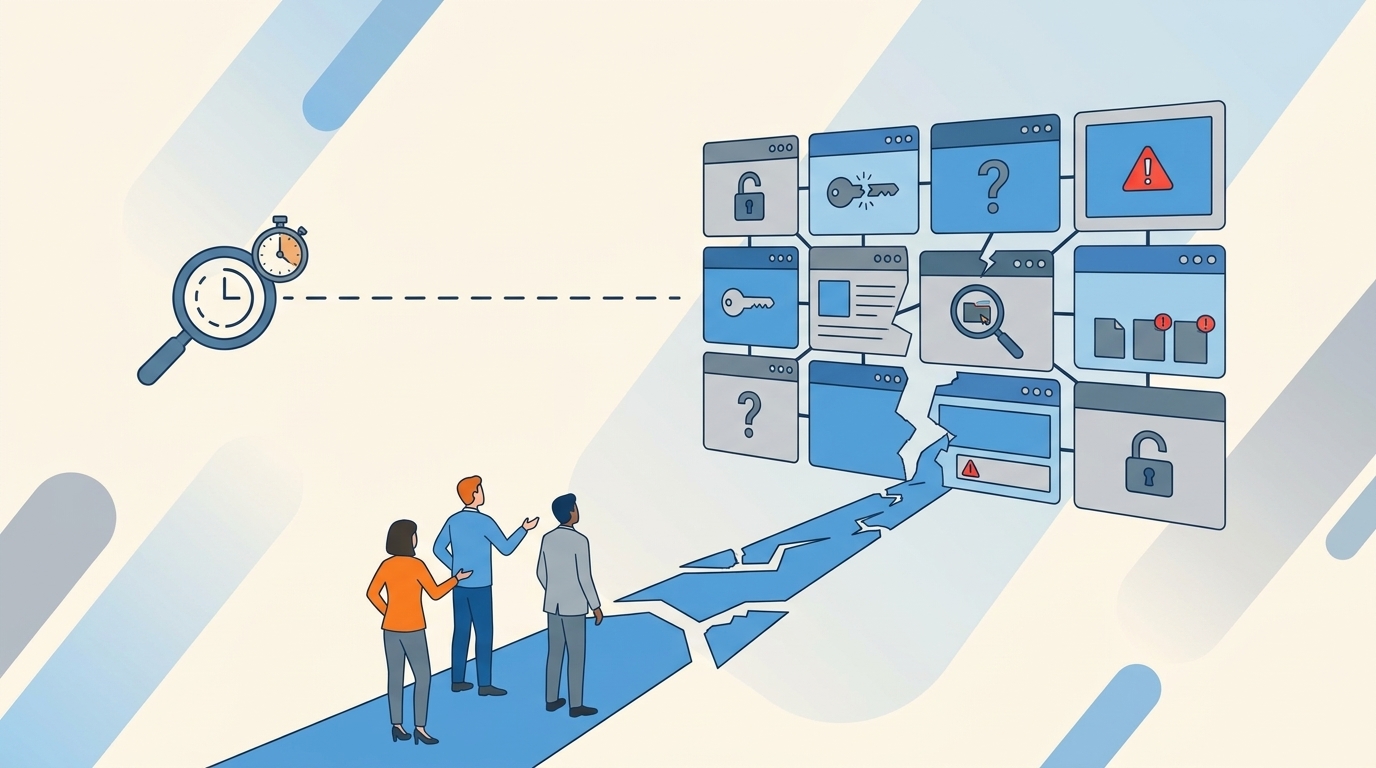
Your access request shouldn't need 4 systems to move from "approved" to "done." But that's exactly what fragmented IAM creates: a Jira ticket here, a Slack approval there, an Okta group change later, then a spreadsheet when audit season hits. The security policy can look great on paper while the workflow underneath is broken, because every handoff gives someone a chance to miss the revoke step. That's where the real cost starts.
I've seen this pattern a bunch in fast-growing companies. Nobody designs the mess on purpose. It just happens as headcount grows, tools multiply, auditors ask better questions, and IT keeps doing what worked when the company had 80 people. Then one day you're at 800 people and access governance is basically a relay race where every handoff can fail.
Key Takeaways:
- Fragmented IAM breaks because intake, approval, provisioning, and evidence live in different places.
- The real issue isn't policy. It's that the policy doesn't execute inside the access workflow.
- If an access request takes more than 15 minutes of admin work, it should be automated or redesigned.
- Least privilege works better when access is time-bound and revokes through the identity provider.
- Jira and Slack can be the operating layer for governance if the identity provider remains the source of truth.
- The fastest path is to automate the boring 75% before trying to perfect every edge case.
Why Fragmented IAM Breaks Access Before Security Notices
Fragmented IAM breaks access governance because the request, approval, provisioning, and audit trail all live in different systems. Each handoff adds delay and risk. At 50 requests a month, people tolerate it. At 500 requests a month, the process starts producing standing access, missed revocations, and ugly audit evidence.

The Hidden Tax Is the Handoff
Jira, Slack, Okta, Entra, Google Workspace, and spreadsheets aren't bad tools. They all do their job. The problem is that none of them owns the whole request from start to finish. IT becomes the human API between systems, which sounds fancy until you realize it means copy, paste, chase, screenshot, repeat.

A typical request looks harmless. A designer pings #it-help in Slack at 9:12 AM Tuesday asking for Figma Editor access. Their manager replies "approved 👍" in the thread 40 minutes later. An IT admin sees it at 11:30, opens Jira, creates a ticket, switches to Okta, finds the Figma-Editors group, adds the user, screenshots the change, pastes it into the ticket, and replies in Slack. One request. Fine. Do that 40 times a week and the system starts to bend. Do it 400 times a month and people start creating shortcuts that security never formally approved.
I get why teams live this way. Separate systems feel safer at first. The IGA tool owns policy, the service desk owns tickets, the identity provider owns entitlements, and Slack owns speed. That's a reasonable read of the trade-offs. Still, the split creates a weird operational problem: everyone has partial truth, and nobody has the complete record. That's where fragmented identity access management becomes expensive.
If you're already seeing this and want to compare what a Jira-native model looks like, Learn more about Multiplier.
The Audit Problem Starts Months Before the Audit
Audits don't become painful during the audit. They become painful during normal weeks when nobody records access decisions in the same place the change happens. The request lives in Jira. The approval lives in Slack. The actual group assignment lives in Okta. The cleanup lives in someone's memory. Not exactly a confidence-building setup.

A mid-market fintech team we looked at had hundreds of access requests hitting Slack, email, and Jira after growing to nearly 1,200 employees. The work wasn't complicated. Most of it was routine access to SaaS apps and internal tools. But each request still needed approval chasing and manual Okta group assignment. Luno later cut IT workload on access requests by 80% after moving that flow into a self-service catalog with automated provisioning. Same work. Different operating model.
The overlooked part is timing. If the approval and the grant aren't tied together at the moment of execution, evidence has to be reconstructed later. That reconstruction is where the cost creeps in. Screenshots, CSV exports, ticket comments, Slack searches, spreadsheet notes. It's like closing the books with half the receipts in your glovebox. You might get there. But nobody enjoys it.
Fragmentation Creates Standing Access by Default
Standing access is what happens when revocation depends on a person remembering to remove something later. The person might be great. The process is still broken. NIST's least privilege guidance, captured in AC-6 access control requirements, is clear about limiting access to what users need. In practice, fragmented IAM makes that hard because the system grants quickly and revokes slowly.
Think about privileged access during an incident. An engineer needs admin access for 6 hours. Everyone agrees. The request gets approved fast because production is on fire. Then the fire is out, people move on, and the admin role stays. Not because anyone is careless. Because the expiry wasn't part of the workflow.
That's the real cost of IAM fragmentation. It turns temporary need into permanent access. And once that becomes normal, security teams aren't enforcing least privilege anymore. They're doing cleanup after the process already failed.
How to Replace Fragmented IAM with Operational Least Privilege
Operational least privilege works when access is requested, approved, provisioned, reviewed, and revoked through one connected workflow. The identity provider should still execute the access change. The difference is that Jira or the service desk becomes the work record, Slack becomes the decision surface, and automation removes manual group changes.
Start by Finding the Requests That Shouldn't Be Tickets
30 days of access tickets will usually tell you where to start. Export the last month of Jira access requests and tag each one as repeatable, risky, unclear, or one-off. If more than 50% are repeatable requests for known apps and known roles, don't start with a bigger policy project. Start with a catalog.
I like this diagnostic because it cuts through the noise. Security teams often want to begin with the scariest systems. IT teams often want to begin with the highest-volume apps. Both instincts are reasonable. The right first move is usually where volume and clarity overlap. If 200 people a month ask for the same 20 apps with the same 2 or 3 roles, that's not governance strategy anymore. That's a menu problem.
Run the review like this after pulling the data:
- Mark every request where the app was already known.
- Mark every request where the role was obvious.
- Mark every request where the approver was predictable.
- Mark every request where provisioning happened through an identity provider group.
- Count anything with 4 marks as automation-ready.
If fewer than 30% of requests pass that test, your first project is cleanup. Normalize app names, roles, owners, and groups. If more than 60% pass, you're ready to automate access intake and provisioning. Between 30% and 60%, start with the top 10 apps by volume and ignore the weird stuff for now. The weird stuff will eat your month.
Map Roles to Groups Before You Touch Approvals
Role-to-group mapping is where access governance either becomes real or stays performative. If "Figma Editor" maps to the right identity provider group, approval can trigger provisioning without anyone guessing. If the role is just a text field in a ticket, IT still has to interpret the request, which means you're not really automating. You're just making the form prettier.
The test is simple. Pick one app and ask, "Could a new IT admin provision this correctly without tribal knowledge?" If the answer is no, the role model isn't ready. Write down the app, the role names, the group names, the approval owner, and whether the access should expire. Not a 40-page governance document. A working map. Something an operator can use.
A good role map includes:
- App name: The sanctioned name employees will recognize.
- Role: Viewer, Editor, Admin, Finance Approver, or whatever the business understands.
- Group: The Okta, Entra, or Google Workspace group that grants access.
- Approver: Manager, app owner, or named user.
- Expiry rule: Permanent, 24 hours, 7 days, or custom based on risk.
One honest limitation here: group mapping takes work upfront. You'll find duplicate groups, old naming conventions, and apps where nobody wants to admit they own the access model. That work is still worth doing because it moves knowledge out of people's heads and into a repeatable system. Once the map exists, automation can execute without interpretation.
Treat Slack as the Doorbell, Not the System of Record
Slack is great for speed. Terrible for evidence. I say that with love because everyone lives there now. A Slack approval feels fast, but if the approval doesn't write back to the ticket and trigger the identity change, you've just created another place auditors have to search later.
The better pattern is to let Slack capture the decision while Jira keeps the record. The approver gets a DM, reviews the request, clicks approve or deny, and the ticket moves forward. Provisioning then happens through the identity provider. The decision is fast, but the evidence lands where IT already tracks work. CISA's identity guidance also pushes teams toward stronger centralized access controls, and its IAM recommendations for administrators are a useful reference if you're trying to explain why chat alone isn't enough.
This is the split I prefer:
- Slack for notifications and approvals.
- Jira for request records, status, SLA, and audit trail.
- Identity provider for group membership and entitlement enforcement.
- Access review workflow for periodic certification and cleanup.
Don't make Slack the governance system. Make it the place where busy approvers can act without breaking the governance trail. Small difference. Big outcome.
Make Temporary Access the Default for Risky Roles
A lot of teams talk about least privilege like it's a policy sentence. In practice, it's a timer. If access has a legitimate short-term reason, the workflow should force a duration before the grant happens. One hour. Six hours. Twenty-four hours. Pick the window based on the job.
This is especially important for admin roles, production access, databases, finance systems, and sensitive customer data. If a role can cause damage, it shouldn't sit around forever because someone needed it once during onboarding. A fintech company, Stavvy, reduced privileged access by 85% after adopting just-in-time controls and time-bound access windows. They also had 1,300+ access requests automatically revoked after approved windows. That's not policy theater. That's enforcement.
Use a simple rule. If the access is privileged and the task is temporary, require an expiry. If the access is low-risk and tied to someone's role, approve it normally but review it quarterly. If the system can't auto-revoke the access through a group or entitlement, flag it as manual and don't pretend automation covers it. This is where honesty matters more than clean slides.
The access model should feel like a parking meter. You pay for the time you need, the meter starts, and when time is up, the space frees itself. Nobody has to remember to come back later with a clipboard. That's how least privilege becomes operational instead of aspirational.
Review Access Where the Original Work Happened
Access reviews fail when reviewers get a spreadsheet with 800 rows and no context. They rubber-stamp because they don't know what they're looking at. Or they over-revoke and create support tickets. Neither is great.
A better access review starts from the same system that handled the original request. The reviewer should see the user, app, role, department, group, last login, and any recommendation in one place. If they revoke, the revocation should execute through the identity provider and create evidence automatically. If they keep access, that decision should be recorded too. No separate tracker. No "send me your completed spreadsheet by Friday" chaos.
Use this threshold. If a reviewer needs more than 30 seconds per user to decide keep or revoke for routine SaaS apps, your review packet is missing context. Add last login, department, manager, and original role. If the reviewer still can't decide, the app owner probably isn't clear, or the role model is too broad.
Some teams prefer spreadsheet reviews because they're flexible. That's valid for messy non-SSO apps or early-stage teams without clean identity data. Once you're reviewing approved apps tied to identity provider groups, though, the spreadsheet becomes drag. It collects decisions without enforcing them. The review doesn't matter until the revocation actually happens.
If you're mapping out which access workflows belong in Jira versus the identity provider, See how Multiplier works.
Use License Waste as a Signal, Not Just a Finance Problem
Unused SaaS licenses tell you something about access quality. If someone hasn't logged into an app for 90 days and still has access, that's not only waste. It's also stale entitlement. Finance sees cost. Security should see risk.
The practical move is to connect login activity with access decisions. Start with a 30, 60, or 90-day inactivity threshold depending on the app. Warn the user before removal. Exclude executives or critical teams if needed. Then revoke automatically if they don't log in during the grace period. Keep the ticket as evidence. Simple.
The rule I like: if an app costs money and carries sensitive data, inactivity should trigger a workflow. If it costs money but has low-risk data, start with license reclamation. If it has sensitive data but no reliable login telemetry, put it into quarterly review until better data exists. Don't overcomplicate it.
This is also where IAM fragmentation shows up in an unexpected way. A company can have strong onboarding and weak offboarding inside the same stack. New users get access fast because everyone cares about day one. Old access lingers because nobody owns day 180. License reclamation catches that pattern earlier than audits do.
How Multiplier Automates Access Governance
Multiplier automates access governance by keeping requests, approvals, provisioning, and evidence inside Jira Service Management while executing access changes through Okta, Entra ID, or Google Workspace. It fits best when teams already run on Jira and want a Jira-native way to standardize access requests, approvals, and downstream provisioning without introducing a separate system of record.
Jira-Native Catalog with Identity Provider Provisioning
Multiplier starts with the Application Catalog in JSM, where employees request approved apps and roles from a visual catalog instead of dropping vague requests into Slack. Each catalog role maps to one or more identity provider groups. When the request is approved, Multiplier calls the identity provider API and updates the Jira issue with the outcome.

That matters because it removes the highest-friction part of fragmented IAM: the manual group assignment after approval. The approval isn't floating in Slack. The provisioning isn't happening in a separate admin console with no ticket trail. The request, decision, group change, and audit comment live together.
The catalog can also include custom non-SSO apps for tracking and approvals, although automatic provisioning depends on identity provider group membership. That's a real boundary, and it's worth saying plainly. If an app isn't connected through SSO or group-based access, automation won't magically remove manual work inside that SaaS app. Even catalog-only tracking is still better than scattered intake because the request and evidence are centralized from day one.
Time-Bound Access, Reviews, and Reclaim in One Flow
Multiplier's Time-Based Access handles the "I need admin for a few hours" use case by adding the user to the mapped group after approval and removing them when the duration expires. The revocation is logged back to the Jira issue.
Access Reviews in Multiplier run inside JSM as campaigns, with reviewers seeing user attributes, groups, last login, and recommendations before they choose keep or revoke. Revocations remove users from relevant identity provider groups and create Jira evidence. Auto Reclaim adds another layer for SaaS waste by using login telemetry from the identity provider, inactivity thresholds, warning emails, and automatic revocation when users stay inactive. Auto Reclaim is only available on the Advanced edition, and it depends on accurate last-login data, so don't treat it as a universal fix for every app.
The important part is the operating model. Multiplier doesn't replace your identity provider. It uses the identity provider as the execution layer and Jira as the work layer. Slack approvals can sit on top, but JSM remains the system of record. If your current access process has Jira tickets, Slack decisions, identity provider changes, and spreadsheet evidence, Get started with Multiplier and collapse that into one governed flow.
The Access Model That Actually Holds Up
The access model that holds up is simple: request in the service desk, approve where people work, provision through the identity provider, expire risky access automatically, and review with enough context to act. Fragmented IAM fails because it separates those jobs. Operational least privilege connects them.
I wouldn't start with a massive IAM transformation. Most teams don't need that first. Start with 30 days of requests, find the boring repeatable work, map roles to identity provider groups, and automate that. Then add time-bound access for risky roles. Then clean up reviews and license waste.
That's how you get out of the trap. Not by writing a better policy. By making the right access outcome the easiest thing to do.
Frequently Asked Questions
How do I automate access requests with Multiplier?
To automate access requests using Multiplier, start by setting up the Application Catalog in Jira Service Management (JSM). Employees can browse approved applications and roles directly from the catalog. Once a request is submitted, Multiplier handles the approval workflow and provisions access through your identity provider like Okta or Google Workspace. Every request, approval, and provisioning step is logged automatically—no manual transcription needed.
What if my team needs to manage temporary access?
If your team requires temporary access for users, you can utilize Multiplier's Time-Based Access feature. When submitting a request, users can specify a duration for access (like 1, 6, or 24 hours). Once approved, Multiplier provisions access and automatically revokes it after the specified time. Access expires automatically. No calendar reminders, no cleanup sprints.
How do I conduct access reviews using Multiplier?
To conduct access reviews with Multiplier, create an Access Review campaign in JSM. Select the applications you want to review, assign reviewers, and launch the campaign. Reviewers will see user attributes, last login dates, and Multiplier's recommendations directly in JSM. They can mark users to keep or revoke access, and Multiplier will automatically update the identity provider and create a Jira ticket documenting the changes, making the process efficient and auditable.
Can I reclaim unused licenses automatically?
Yes, you can reclaim unused licenses automatically with Multiplier's Auto Reclaim feature. Set inactivity thresholds for your applications, and when a user exceeds this threshold, Multiplier will notify them. If they remain inactive after the grace period, their access will be automatically revoked, and a Jira ticket will be created to document the action. That cuts SaaS spend and removes stale entitlements at the same time.
When should I map roles to groups in Multiplier?
You should map roles to groups in Multiplier as part of your initial setup to ensure that access requests can be provisioned automatically. This mapping allows Multiplier to link specific roles (like Editor or Admin) to the appropriate identity provider groups. By doing this, when a request is approved, Multiplier can automatically assign the user to the correct group without manual intervention, streamlining the entire access process.


