


Most teams don’t fail to track software license usage because they lack data. They fail because the data lives in the wrong places, gets reviewed too late, and never turns into an actual access change.
That’s the part people miss. You can have Jira tickets, Slack approvals, Okta groups, finance spreadsheets, and still not know who is really using what. Or worse, you know, but nobody acts on it.
Key Takeaways:
- Tracking software license usage only matters if it leads to revocation, renewal, or right-sizing
- Most teams are not dealing with a visibility problem first, they’re dealing with a workflow problem
- Login data from your identity provider is often the cleanest starting point for software usage tracking
- Time-bound access and periodic access reviews reduce waste before it piles up
- SaaS spend usually creeps up through standing access, not one giant buying mistake
- Jira-native governance gives IT and security one place to track requests, approvals, changes, and evidence
Why Most Software License Tracking Efforts Break Down
Tracking software license usage breaks down when ownership is split across IT, security, finance, and app owners with no single operating system for the work. The issue isn’t that teams forget to care. It’s that the process is broken long before the audit or renewal conversation starts.
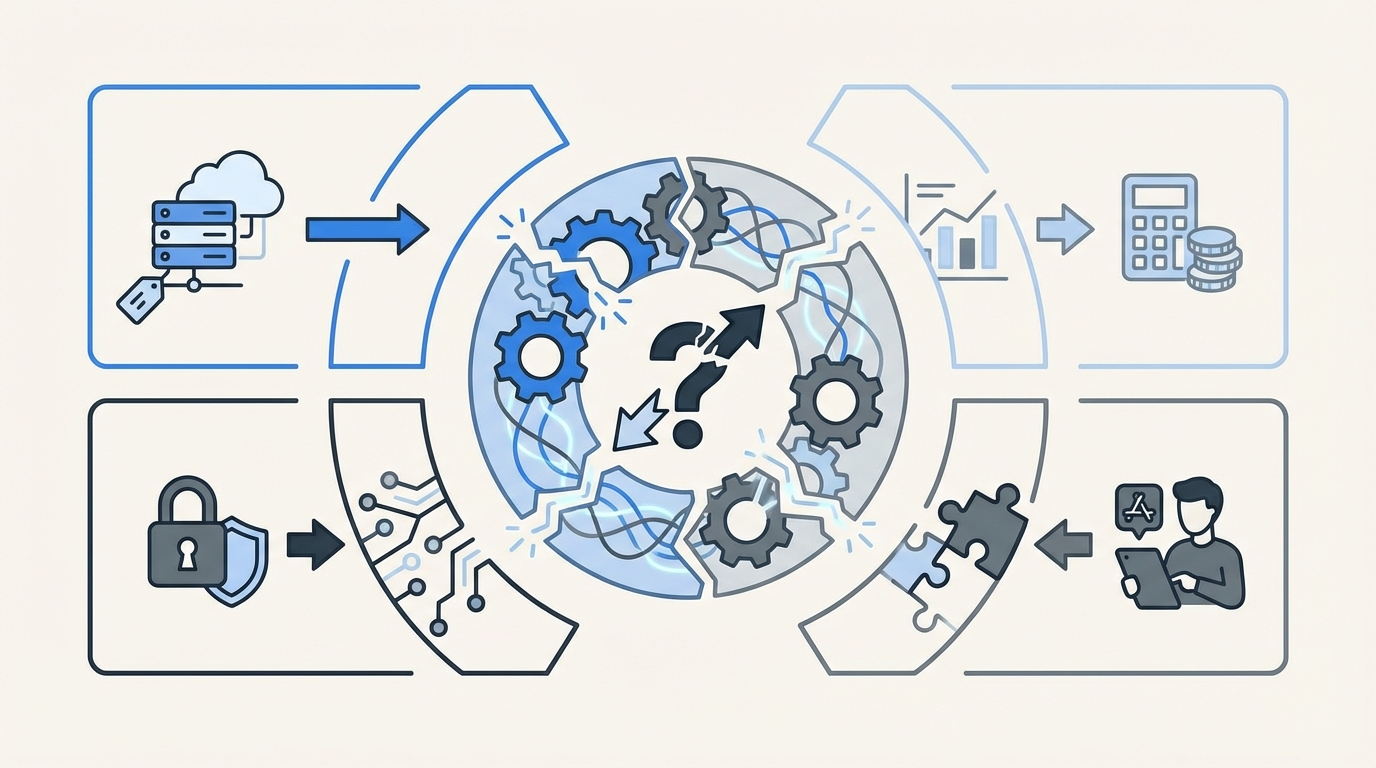
Most teams start with the wrong assumption. They think if they can track software license usage in a spreadsheet, a SaaS management dashboard, or a quarterly report, they’re under control. They’re not. They’ve just created another view into the mess.
Visibility without action is still waste
I’ve seen this pattern a lot. A team pulls a usage report, finds 40 inactive users in an app, and feels good for about ten minutes. Then someone has to verify the list, find the right owner, ask whether the user still needs access, wait for a reply, log into the identity provider, remove the group, and document the change somewhere for later. By then, the moment is gone.
That’s why software license tracking often turns into passive reporting. The reporting works. The action doesn’t. And if the action doesn’t happen, you’re still paying.
According to Gartner, organizations waste a meaningful share of SaaS spend on underused licenses and poor entitlement hygiene based on SaaS spend optimization research. The exact percentage varies by company, but the pattern doesn’t.
The real problem is fragmentation
The real problem isn’t that you can’t track software license usage. It’s that request intake, approval, provisioning, and evidence are scattered across too many tools. Jira has one part. Slack has another. The identity provider has another. Finance has its own sheet. Audit wants proof later. So every small change becomes manual.
That split creates a hidden cost. Not just money. Time, delay, and standing privilege. One stale license doesn’t look serious. A few hundred do.
And honestly, this is where teams get tired. Your IT people aren’t lazy. They’re buried. When every reclaim needs follow-up across four systems, the default becomes leaving access in place because it’s faster than cleaning it up.
Why quarterly cleanup never really works
Quarterly review cycles catch problems late. By the time you look, the employee may have changed teams, the manager may have moved on, and the app owner may not remember why access was granted in the first place. So reviews become guesswork.
A lot of teams treat access reviews like an accounting ritual. Go line by line. Mark keep or remove. Export a file. Move on. But if your software usage data isn’t tied to the ticketing and identity workflow, the review is only advisory. Not operational.
That’s why the old way struggles. You’re trying to track license usage at the reporting layer, when the real fix belongs in the workflow layer.
How Lean IT Teams Track Software License Usage the Right Way
The right way to track software license usage is to connect usage signals to the same workflow that grants and removes access. That means tying requests, approvals, provisioning, expiration, review, and reclaim into one operating model, not five disconnected tasks.
This is where the conversation gets better, because there actually is a clean approach.
Start with identity data, not app-by-app detective work
If you want to track software license usage without creating a second full-time job, start with your identity provider. For a lot of companies, that’s the closest thing to an authoritative record of who has access and whether they’re active.
Login telemetry isn’t perfect for every app. Fair point. Some apps won’t give you great signals, and some edge cases will always need human review. But for a huge chunk of your stack, identity-based usage data is way better than waiting for someone in finance to ask why renewals keep climbing.
Here’s what I’d look at first:
- Last login date by application
- Group membership tied to each app role
- Users with no recent activity past a defined threshold
- Exceptions for critical teams or executive groups
This gives you something useful fast. Not theoretical. Actionable.
Make every access grant easier to unwind
Most SaaS waste starts at the moment access is granted. Someone asks for a tool. IT approves it. Access gets added. Then nobody defines when it should end, who should review it, or what usage would count as inactive. So the license just sits there.
A better system is built backwards from removal. Before you grant access, define:
- Who approves it
- Which group actually provides it
- Whether it should expire automatically
- How it will be reviewed later
- What inactivity threshold should trigger a reclaim
That one shift changes a lot. Because now you’re not just granting software. You’re setting rules around it.
I’d argue this is the overlooked truth in license management. Reclaim is not a cleanup project. It’s a design choice.
Use time-bound access for anything elevated or short-lived
Time-based access is one of the simplest ways to cut software waste and reduce risk at the same time. If someone needs admin rights, temporary finance tooling, or access for a project window, make it expire by default.
This matters for cost, sure. But it matters even more for control. Long-lived access is where things quietly get bad. People change roles. Projects end. Contractors roll off. The app stays assigned.
NIST has been pushing least privilege and controlled access for years for exactly this reason in its access control guidance. The policy is the easy part. Enforcing expiry is the hard part.
What works in practice:
- 1-hour access for urgent elevated tasks
- 24-hour access for incident work
- short fixed windows for contractor or project access
- extensions only when there’s an existing approved trail
That keeps the system honest.
Run reviews where the evidence already lives
If you’re serious about tracking software license usage, reviews can’t live in a side spreadsheet. They need to happen where the ticket, the approver, the group mapping, and the user context already exist.
This is why I think the ITSM and IGA split causes more trouble than most teams realize. The workflow is in one place. The governance is in another. So reviewers end up certifying access with partial context.
A cleaner model is simple. Review the access in the same system that recorded the request and can trigger the revoke. That way the review isn’t just a recommendation. It becomes an action path.
Good access reviews usually include:
- user identity and role
- current group or entitlement
- app owner or manager reviewer
- last login or inactivity context
- keep or revoke decision with reason
That’s enough to make a call. And enough to defend it later.
Treat reclamation like an always-on policy, not a campaign
This is where mature teams pull away. They don’t wait for a big annual exercise to find waste. They define thresholds, set grace periods, carve out exclusions, and let the system keep watching.
We were surprised to find how often teams already know which apps are bloated. They can name them right away. The issue is they don’t have a clean way to act without creating friction or drama.
An always-on reclaim model usually includes:
- inactivity thresholds by app
- warning period before removal
- exclusions for business-critical groups
- automatic revocation after no response
- ticket creation for evidence and follow-up
That’s how you track software license usage in a way that actually changes spend. Not with one heroic cleanup. With repeatable rules.
If you want to see what this looks like in practice, See how Multiplier works.
How Multiplier Turns License Tracking Into Enforced Action
Multiplier turns software license tracking into an operating workflow inside Jira Service Management. Instead of tracking usage in one place and cleaning it up somewhere else, Multiplier keeps the request, approval, provisioning, reclaim, and audit trail tied to Jira and your identity provider.
Usage-based reclaim tied to Jira and your identity provider
Multiplier’s Auto Reclaim feature is built for teams that want to track software license usage based on real login activity from the identity provider. Admins define inactivity thresholds, grace periods, and group exclusions. When a user crosses the threshold, they get warned. If they stay inactive, access is revoked and a Jira ticket documents the change.

That matters because you’re not just spotting waste. You’re removing it. And you’re leaving behind evidence that someone can actually audit later.

Multiplier also keeps this grounded in the identity provider. That’s important. Provisioning and revocation happen through mapped groups, which keeps changes authoritative and easier to trust.
Temporary access, cleaner reviews, and a better request path
Multiplier also closes the other gaps that usually make license tracking sloppy. The Application Catalog gives employees a Jira-native place to request sanctioned apps and roles, so access starts in a consistent path instead of Slack threads and random emails. Approval Workflows route decisions to managers, app owners, or specific users in Jira or Slack, which cuts down the chasing.

Then you get the control layer. Time-Based Access makes elevated access temporary by default, with automatic revocation at expiry when access is provisioned through identity provider groups. Access Reviews run in JSM with reviewer context like user attributes, groups, and last login dates, and revocations can be executed from that same process.
This is the part I like most. Identity governance belongs in Jira, not another portal. Multiplier leans into that hard. So instead of rebuilding evidence in spreadsheets later, the ticket becomes the record.
Before you conclude that license sprawl is just the price of growth, it’s worth seeing what a cleaner model looks like in your own environment. Get started with Multiplier
Track Usage Early, Reclaim Fast, and Keep Governance in Jira
Tracking software license usage is only useful when the data leads to a decision and the decision leads to a change. That’s the gap most teams never close.
The better model is pretty simple. Track usage through the identity layer, tie it to access workflows in Jira, make elevated access temporary, review access with context, and reclaim inactive licenses on purpose. That’s how you cut waste, reduce standing privilege, and avoid the usual audit scramble.
Frequently Asked Questions
How do I set up time-based access with Multiplier?
To set up time-based access with Multiplier, follow these steps: 1) When submitting an access request through the JSM portal or Slack, select the duration for the access (e.g., 1 hour, 6 hours, or 24 hours). 2) Ensure that the application supports time-based access. 3) After approval, Multiplier will automatically provision access and set a timer to revoke it once the duration expires. This helps minimize standing privileges and reduces the risk of unnecessary access.
What if I need to revoke access quickly?
If you need to revoke access quickly, you can do this through Multiplier by following these steps: 1) Locate the Jira ticket associated with the access request. 2) Use the built-in functionality to mark the user for revocation. 3) Multiplier will automatically update the user's status in your identity provider and generate a ticket documenting the change. This ensures that the revocation is tracked and provides an audit trail for compliance purposes.
Can I automate license reclamation with Multiplier?
Yes, you can automate license reclamation using Multiplier's Auto Reclaim feature. To do this: 1) Set inactivity thresholds for your applications based on your organization's needs (e.g., 30 days without login). 2) Define grace periods and group exclusions for critical users. 3) When a user exceeds the inactivity threshold, Multiplier will send them a warning email. If they remain inactive after the grace period, access will be automatically revoked, and a Jira ticket will document the change.
When should I conduct access reviews?
You should conduct access reviews regularly to maintain control over software licenses. With Multiplier, you can set up access review campaigns in Jira. Typically, these reviews should happen at least quarterly or whenever there are significant changes in your organization, such as new hires or role changes. During the review, assign reviewers to evaluate user access based on criteria like last login dates and group memberships, ensuring that only necessary access is retained.
Why does my team struggle with access requests?
Your team may struggle with access requests due to fragmented processes across multiple tools. To improve this, consider using Multiplier's Application Catalog within Jira Service Management. This allows employees to submit access requests in a centralized location, ensuring that all requests are logged and routed to the correct approvers. By streamlining the intake process, you can reduce delays and improve the overall efficiency of access management.


