

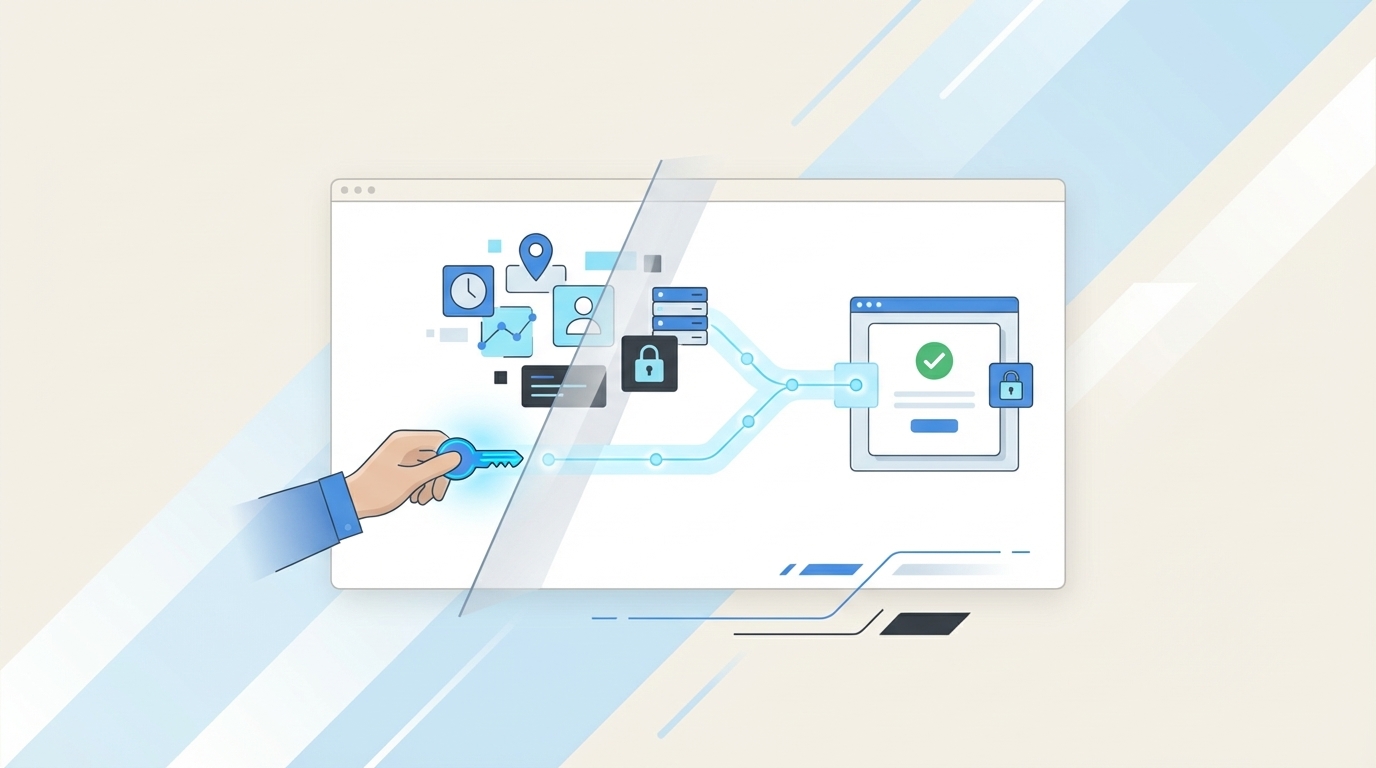
75%+ of access requests can be automated. Yet a weird number of IT teams still run access through Jira tickets, Slack pings, manual Okta changes, and quarter-end spreadsheet cleanup like that’s a sane operating model.
That gap gets at the importance of context in access governance. If your request lives in Jira, your approval lives in Slack, your change lives in Okta, and your evidence lives in a spreadsheet, nobody has the full picture. That’s why audits turn into archaeology.
Key Takeaways:
- Context is what turns an access request into an auditable decision, not just a completed task.
- When approvals, provisioning, and evidence live in different tools, least privilege usually breaks first.
- If your team is handling more than 50 access requests a week manually, you probably need workflow redesign before you need more headcount.
- Jira-native governance works because it keeps the request, the decision, the change, and the evidence in the same operating system.
- Time-bound access only works cleanly when revocation is tied to the same identity-provider workflow that granted access.
- Audit readiness should be produced during the workflow, not rebuilt after it.
Why Access Governance Breaks When Context Gets Split
Access governance usually doesn’t break because policy is missing. It breaks because the story gets torn into pieces across Jira, Slack, Okta, Entra, and somebody’s heroic spreadsheet. That’s the first real lesson in the importance of context in access governance: fragments can complete work, but they can’t prove control.

I saw this years ago in content ops. The writing wasn’t the bottleneck. Context was. Same thing here. IT teams think they have an access problem, or an audit problem, or a provisioning problem. Usually they have a context problem hiding underneath all three.
A completed ticket is not the same as a governed access change
Closing a Jira issue proves motion. It does not prove governance.

A closed ticket tells you somebody advanced a workflow. That’s it. It may not tell you who approved, what exact role got granted, whether the role matched the request, whether the access was time-bound, or whether it was revoked later. Important difference.
Picture a workplace tech lead at 8:43 AM on Tuesday, triaging requests in Jira with Slack open on a second monitor and Okta on a third tab. They’ve got 27 open requests, 8 waiting on managers, 6 buried in Slack threads, and 4 already granted manually because a sales rep needed access before a customer call at 9. By Friday, the queue looks cleaner. Two months later, audit asks for evidence on one of those grants, and now that same lead is scraping comments, screenshots, and admin logs to rebuild the story. That’s not governance. That’s forensics with worse coffee.
The Request-Decision-Change Chain is the framework I use here. If a team can’t show all three, in order, from one operating thread, they don’t have governance. They have ticketing plus cleanup.
Manual handoffs create standing access faster than teams realize
At 10 requests a day, manual handoffs feel annoying. At 100, they start manufacturing risk.

A fintech team in the knowledge base had hundreds of routine access requests landing through Slack, email, and Jira as headcount climbed toward 1,200 employees. IT had to chase approvals and manually assign Okta groups. For a while, it looked manageable. Then volume hit escape velocity. Broad group membership got granted to avoid another round of back-and-forth. Expiry got skipped. Screenshots got renamed “evidence.”
Fair point: manual work can be fine when volume is tiny. If you’re a 40-person company with 5 apps and one IT generalist, a lightweight process is perfectly rational. But once requests are frequent and compliance matters, manual handoffs become a standing-access machine. The status quo has merits at small scale; it just ages badly.
The audit problem usually starts months before the audit
What if the audit failure actually started on an ordinary Tuesday in Q1? Usually, it did.
Audit pain doesn’t begin when the auditor sends the checklist. It begins the first time evidence is created outside the workflow. Once that happens, the team has quietly accepted a second job: reconstructing history later. And later is always more expensive.
Think of your workflow like a chain-of-custody log in a data center. If the badge swipe, rack access, change approval, and camera footage all sit in different places, you may still know what happened. But proving it takes interviews, screenshots, and luck. Same idea here. Governance breaks at the handoff, not at the policy PDF. If the real issue is split context, the next question is obvious: what does good context actually include? Learn more about Multiplier
The Real Importance of Context in Access Governance
The importance of context in access governance is pretty simple once you strip away the vendor language. Context tells you why access was requested, who approved it, what changed, how long it should last, and what evidence proves it. Without that chain, you can move fast and still fail least privilege.
People blame the wrong layer all the time. Jira is too ticket-centric. Slack is too messy. The identity provider is too rigid. Maybe. But the bigger issue is the ITSM-IGA split. Work starts in one place and governance finishes in another, so nobody owns the whole decision.
The root cause is the split between where work happens and where governance happens
Here’s the contrarian take: for most Jira-centric teams, identity governance does not belong in a totally separate portal.
A separate IGA portal sounds clean on paper. Specialized controls. Dedicated workflows. Nice diagrams. I get the appeal. But employees still think in Jira and Slack. Approvers still live in chat. IT still works from tickets. So now you’ve introduced another system that has to be reconciled back into the actual operating flow.
That’s like running your warehouse in one system and your loading dock in another, then acting shocked when boxes go missing between them. The handoff is the failure point. Not the policy document.
Context has five layers, and most teams only capture two
Five layers. That’s usually the difference between “request fulfilled” and “request governed.”
I use a model called the 5-Layer Context Stack:
- Business context: Why does the person need access?
- Identity context: Who are they, and what team or manager do they report to?
- Entitlement context: What exact role or group is being granted?
- Time context: Is this permanent, temporary, or tied to a project window?
- Evidence context: Can an auditor see the full chain without asking your admin to narrate it?
Most teams capture layers 1 and 3, kind of. The ticket says “Need access to Figma Admin.” Fine. But layers 2, 4, and 5 are where governance becomes real. If time context is missing, standing privilege spreads. If evidence context is missing, audit becomes a rebuild project.
If you only have three of the five layers, my rule is blunt: treat the workflow as incomplete, even if access was granted successfully.
Speed without context is just faster risk
Fast approvals feel good. Clean approvals are better.
A mid-market advertising company in the reference material grew from 100 to 500 employees and got hammered by Tuesday onboarding spikes. Their issue wasn’t only queue volume. It was missing detail, unclear ownership, and no clean path from request to action. Once intake was standardized and routing got tied to the right owner, speed improved almost as a side effect.
That’s why I like the 90-Second Rule. If an approver can’t understand the requester, app, role, duration, and reason for access within 90 seconds, the request is not ready for approval. Slow approvals are often just incomplete context wearing a fake mustache.
Why this matters more as companies grow
At 80 employees, memory can still masquerade as process. At 1,200, memory becomes a control failure.
Back when a company is small, one admin can remember that Sarah in product always needs staging access for releases and Mike in finance should never get admin rights anywhere. Helpful? Sure. Scalable? Not even a little. As growth kicks in, the system has to carry the context because the humans can’t.
And that’s the real importance of context in access governance. Context lets a lean IT team operate with confidence instead of tribal knowledge. So what does that look like in the actual workflow?
How High-Growth Teams Build Context Into the Workflow
High-growth teams don’t wait for audits to discover context gaps. They build context into intake, approvals, provisioning, time limits, and reviews from the start. That’s where the importance of context in day-to-day access management stops being theory and starts becoming operating design.
This is the part a lot of articles hand-wave. “Set up good process.” Cool. Not helpful. Process gets real when it comes with thresholds, decision rules, and a workflow your team can actually run on a busy Wednesday.
Start with a red-flag audit before you automate anything
Before you automate, diagnose.
Use this Context Debt Checklist:
- More than 3 request channels for access
- Managers approving in Slack with no linked ticket
- IT manually mapping roles to groups from memory
- Temporary access handled with calendar reminders
- Access review evidence living in CSVs or screenshots
- Audit prep taking more than 2 business days per cycle
If you checked 3 or more, you don’t have an automation gap. You have a context gap.
That surprises people. They assume the bottleneck is effort. Often it isn’t. It’s ambiguity. And ambiguity is expensive because it forces every approver and admin to re-decide the same thing from scratch.
Define entitlements like products, not like one-off favors
A good entitlement catalog behaves more like a product menu than a help-desk improvisation.
The best teams package access. Each app gets named roles, clear owners, mapped identity-provider groups, and obvious approval logic. Viewer. Editor. Admin. Temporary admin for 6 hours. Not “ask IT and we’ll sort it out.” Before, every NetSuite request turned into a mini consulting session. After, the requester picks a role, the owner is known, the group mapping is set, and fulfillment becomes predictable.
This is the Catalog Discipline Rule: if an app is requested more than 10 times per month, it should have a defined request path with named roles. If it doesn’t, the app is generating repeated decision overhead.
Route approvals from role context, not from whoever happens to be online
Who should approve this request? If the answer is “whoever sees it first,” you already know the workflow is broken.
Approvals should come from role context. Manager if the decision is tied to team membership. App owner if the risk is tied to app usage. Specific user if the control needs named accountability. If the same app gets approved by three different people depending on who is awake, that’s not an approval model. That’s social routing.
Some teams do prefer central IT approval for almost everything, and that can be valid when risk is low and app ownership is immature. Fair. But once the app footprint moves past 100 sanctioned tools, central approval starts to crack because the people making the decision are now farthest from the risk.
Put time limits on risky access by default
Permanent admin is usually a convenience decision pretending to be a security decision.
A better model is the 24-Hour Elevation Test. If the role is privileged and the user can’t explain why they need it for longer than 24 hours, don’t make it standing access. Make it time-bound by default. Production access. Elevated finance permissions. Database access. Admin rights. These should expire unless someone makes the case otherwise.
A fintech company in the reference material reduced privileged access by 85% after shifting to a just-in-time model with approved windows and automatic revocation. That result didn’t come from a prettier policy. It came from workflow enforcement.
Build audit evidence as exhaust, not as a separate project
The best audit artifact is the one nobody had to create twice.
Use the Exhaust Test. Ask one question: if this request is approved and fulfilled today, what evidence exists automatically by tomorrow morning? If the answer is “ticket comments, chat logs, and maybe an admin note,” you’re underbuilt. If the answer is “the issue shows the request, approver, provisioning action, and later revocation,” now you’ve got something defensible.
Yes, building evidence into the workflow can feel slower at first. That tradeoff is real. But the time comes back later when audit prep stops eating three people for a week.
Run reviews off usage context, not blind recertification
Spreadsheets make access reviews look organized right up until someone has to make a real decision.
Quarterly reviews often become checkbox theater: reviewer gets 800 rows, recognizes 40 names, keeps almost everything, and moves on. A stronger method is the 90-Day Inactivity Rule. If someone hasn’t logged into the app in 90+ days, flag revoke as the default recommendation unless the reviewer has a clear reason to keep access. Before, the reviewer was guessing from memory. After, they’re deciding from role, department, group membership, and login behavior.
That’s another practical example of the importance of context in governance. Reviews without usage context are memory tests. Reviews with usage context become actual control.
Use lifecycle triggers for predictable changes
Repetition is the signal. If a lifecycle event happens over and over, stop treating it like a surprise.
Tie identity lifecycle changes to workflow transitions. If onboarding tickets for engineering always need the same account creation and group assignments, make that repeatable. If transfers to finance require profile updates and license changes, make that branch predictable. If offboarding should disable accounts and remove key groups, make that a standard sequence.
My rule: if a lifecycle event happens more than 20 times a quarter, orchestrate it instead of improvising it. Because ad hoc lifecycle work is just context debt with a calendar invite.
How Multiplier Automates the Governance Trail
Multiplier automates the governance trail inside Jira Service Management and Slack so the request, approval, provisioning action, and evidence stay connected. That’s the practical answer to the importance of context in access governance: keep the story intact inside the system your team already uses.
You stop treating audit as cleanup work and start getting it as a byproduct of normal operations. That’s the shift.
Jira-native intake and approval remove the portal problem
The fastest way to lose context is to make employees leave their normal workflow to request access.
Multiplier gives teams a Jira-native Application Catalog so employees can request sanctioned apps and roles from JSM or Slack instead of firing random messages across channels. Apps marked Approved appear in the catalog, roles map to identity-provider groups, and the request creates a Jira issue immediately.
Approval Workflows then route the request to the right person, whether that’s a manager, app owner, or specific user. Approvers can act in Jira or Slack, and the decision stays tied to the originating issue. For Jira-centric teams, that’s huge. No new portal. No side thread that later needs to be explained to audit. Just one operational record.
Provisioning, time limits, and reviews stay tied to the same record
Once approval, change, and evidence share the same thread, a lot of downstream mess just disappears.

After approval, Multiplier can provision access through identity-provider group mappings. The change happens through Okta, Entra ID, or Google Workspace, while the Jira issue captures the result. If the access is time-bound, Multiplier can start the duration timer and remove the group membership at expiry, again writing the change back to Jira.
For ongoing governance, Multiplier also supports Access Reviews in Jira, with reviewer dashboards showing user attributes, groups, last login, and revoke recommendations. And for license waste, Auto Reclaim can identify inactive users from identity-provider login telemetry, send warning emails, and revoke access after the grace period, with a Jira ticket documenting the removal. Admins can also export review results as CSV or push evidence to systems like Vanta.
Worth noting, some boundaries matter. Multiplier provisions via identity-provider groups, not directly inside individual SaaS apps. And automatic revocation for time-based access depends on that group model being in place. That limitation is real. It’s also the point: authoritative, auditable provisioning stays clean when the identity provider remains the control plane. Ready to see it in action? Get started with Multiplier
Why Context Wins
The importance of context in access governance comes down to one thing: governance fails when the story of an access change gets broken into pieces. Put the story back together in access governance workflows, connect Slack approvals and identity-provider actions to the same record, and a lot of the operational drag disappears.
If your team is still rebuilding audits in spreadsheets, that’s the signal. The workflow is telling you it’s missing context. And once you see that, you stop asking how to clean up the evidence later and start asking the better question: why wasn’t the evidence produced during the work itself?
Frequently Asked Questions
How do I set up time-based access in Multiplier?
To set up time-based access in Multiplier, follow these steps: 1) When submitting an access request through the Jira Service Management (JSM) portal or Slack, select the desired duration for the access (e.g., 1, 6, or 24 hours). 2) After approval, Multiplier will automatically provision access and set a timer to revoke it once the duration expires. 3) Ensure that the access is provisioned via identity provider groups to enable automatic revocation. This way, you can enforce least privilege effectively and minimize standing access.
What if I need to create an access review campaign?
To create an access review campaign in Multiplier, do the following: 1) Navigate to the Access Reviews section in JSM and click 'New Review'. 2) Fill out the campaign details, including the applications in scope (only those marked as Approved) and assign reviewers. 3) Launch the campaign to notify reviewers, who will then assess user access based on the latest login data and Multiplier's recommendations. This process helps streamline access reviews and ensures compliance without the hassle of spreadsheets.
Can I automate access requests using Multiplier?
Yes, you can automate access requests with Multiplier. Start by using the Application Catalog within the JSM portal. Employees can browse approved applications and roles, making requests directly from there. Once a request is submitted, Multiplier handles the approval workflow and provisioning automatically, linking everything back to the Jira ticket for a complete audit trail. This reduces manual work and speeds up the access process significantly.
When should I use the Auto Reclaim feature?
You should use the Auto Reclaim feature when you want to optimize your SaaS spend by automatically identifying and reclaiming inactive licenses. Set inactivity thresholds (e.g., 30 days) and grace periods for users to log in. If users remain inactive after the grace period, Multiplier will automatically revoke their access and generate a Jira ticket documenting the removal. This feature is particularly useful for maintaining efficient license management without manual follow-up.
Why does context matter in access governance?
Context is crucial in access governance because it provides the necessary details about why access was requested, who approved it, what changes were made, and how long the access should last. Without this context, governance can break down, leading to compliance issues and audit challenges. Using Multiplier, you can ensure that all these elements are captured and linked within the same system, allowing for a clearer audit trail and better control over access management.


