Pick Console if you want AI agents in Slack and Teams that also reset passwords and MFA, recover devices and run your help desk, and you're comfortable buying from Palo Alto Networks, which acquired Console in September 2026. Pick Multiplier if JSM stays your service desk and you want access requests, reviews and onboarding inside it at a published $5 per user per month.
Console started as an AI agent that worked next to your help desk. It now calls itself an "AI-native ITSM", with its own AI Service Desk, and its Jira comparison page has a section titled "Why companies are moving off Jira". On 1 September 2026 Palo Alto Networks acquired Console to bring it into Cortex, its security operations platform. If JSM is staying, these are the differences to weigh.
| What to check | Console | Multiplier |
|---|---|---|
| Owner | Palo Alto Networks, since 1 September 2026; console.com now shows "Console joins Palo Alto Networks" (press release) | Multiplier, sold through the Atlassian Marketplace |
| Published price | None. console.com has no pricing page, and its only call to action is a demo (console.com) | $5 per user per month (Standard) or $6 (Advanced) (pricing) |
| Free trial | None found | 30 days, installed from the Atlassian Marketplace |
| Where requests live | Slack or Teams, then Console's own AI Service Desk (Console vs Jira) | On the Jira issue in your JSM help center, with approvals in Jira or Slack |
| JSM connection | An "Atlassian" tile on the integrations page; we found no public documentation of how it syncs with JSM (integrations) | Runs inside JSM, so there is nothing to sync |
Console publishes no price, so there is no like-for-like sum to show. Multiplier's price is public: $5 per user per month on Standard and $6 on Advanced, billed on every licensed user on your Jira site. A site with 100 licensed Jira users pays $500 a month on Standard or $600 on Advanced, before Atlassian's annual or volume discounts. You can cancel at any time.
You don't need to move any tickets. Multiplier runs on the JSM site you already have.
How long this takes depends on how many apps you put in the catalog.
No. Palo Alto Networks acquired Console on 1 September 2026 to integrate it into Cortex. Ask Palo Alto Networks how long Console will be sold as a standalone product and how renewals will work.
It can. Console has its own AI Service Desk and markets itself as an ITSM, with a comparison page that argues for moving off Jira. It also lists an Atlassian integration, but we found no public documentation of how that integration works.
Console doesn't publish prices, and the only way to get one is a demo. Multiplier lists $5 or $6 per user per month, billed on licensed Jira users, with a 30-day free trial.
Yes. Its access governance page advertises AI-powered user access reviews, alongside time-bound access that it removes when it expires (access governance).
Its trust center lists SOC 2 Type II and HIPAA, and the reports are available on request. Console hosts customer data on AWS in the United States.
Checked on 21 November 2026: Palo Alto Networks press release, Console homepage, Console vs Jira, Console access governance, Console integrations, Console trust center, Console on G2 and Multiplier pricing.
Seamless integration with Jira Service Management
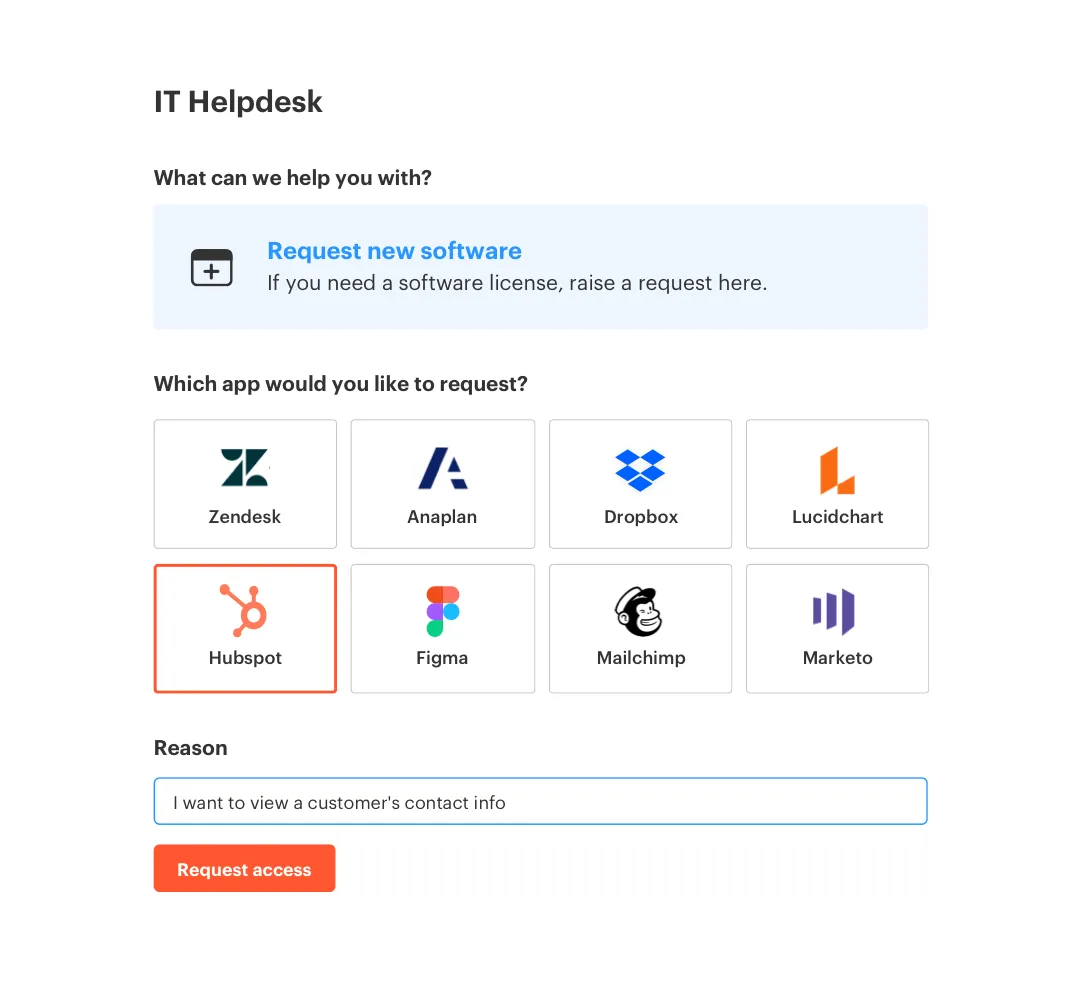
Boost employee productivity by enabling just-in-time, self service access requests from a portal your users are already familiar with.
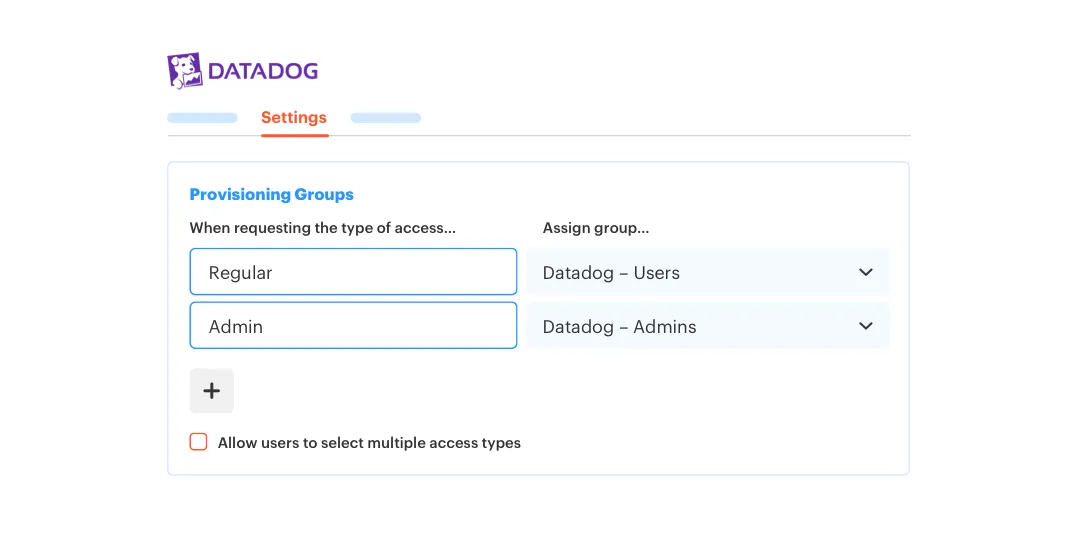
Map end-user roles to your identity groups to ensure appropriate levels of access for your employees, without having to expose group names.
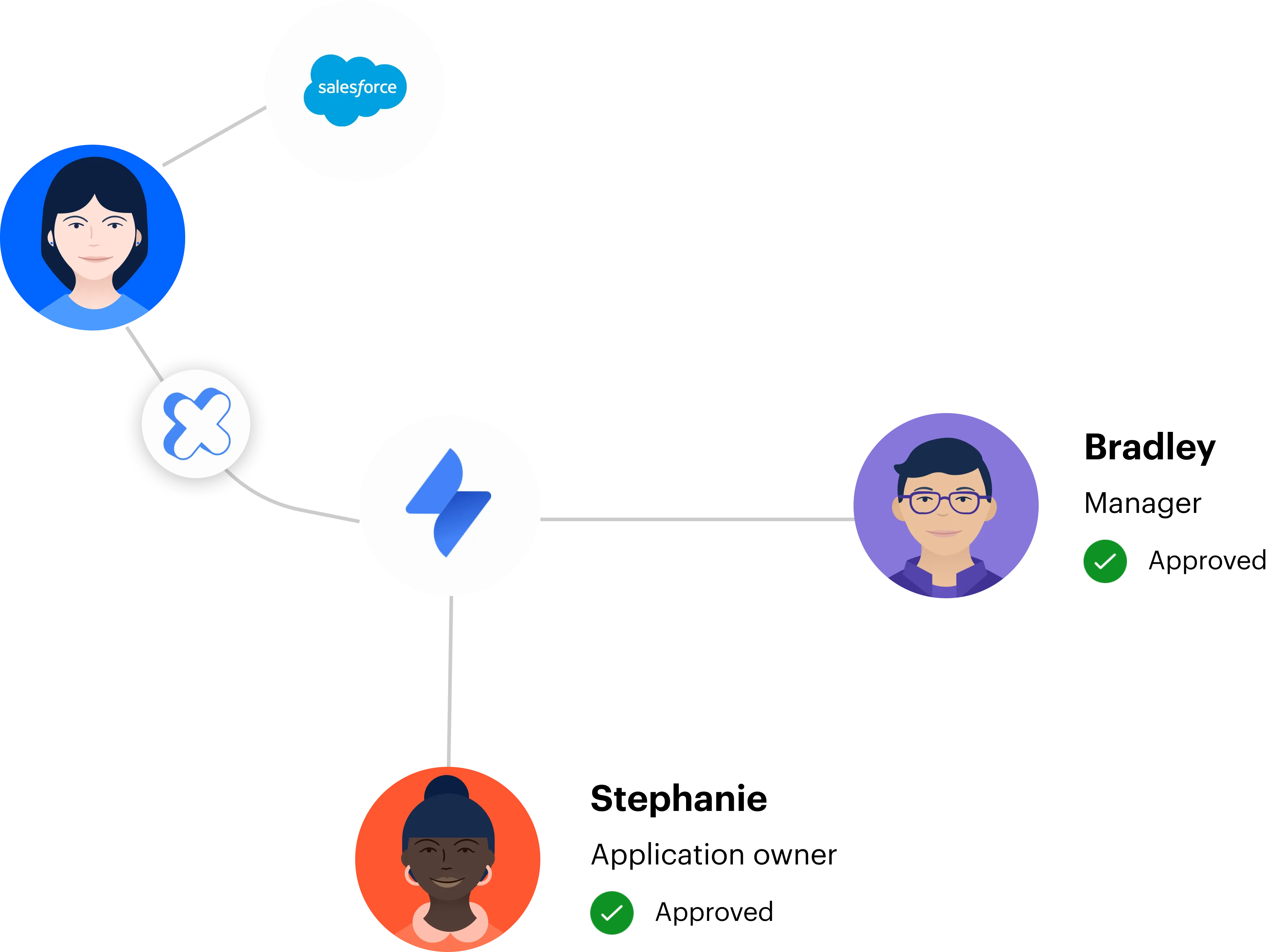
Set up multi-stage approvals and auto-approve low-risk access using familiar Jira workflows.
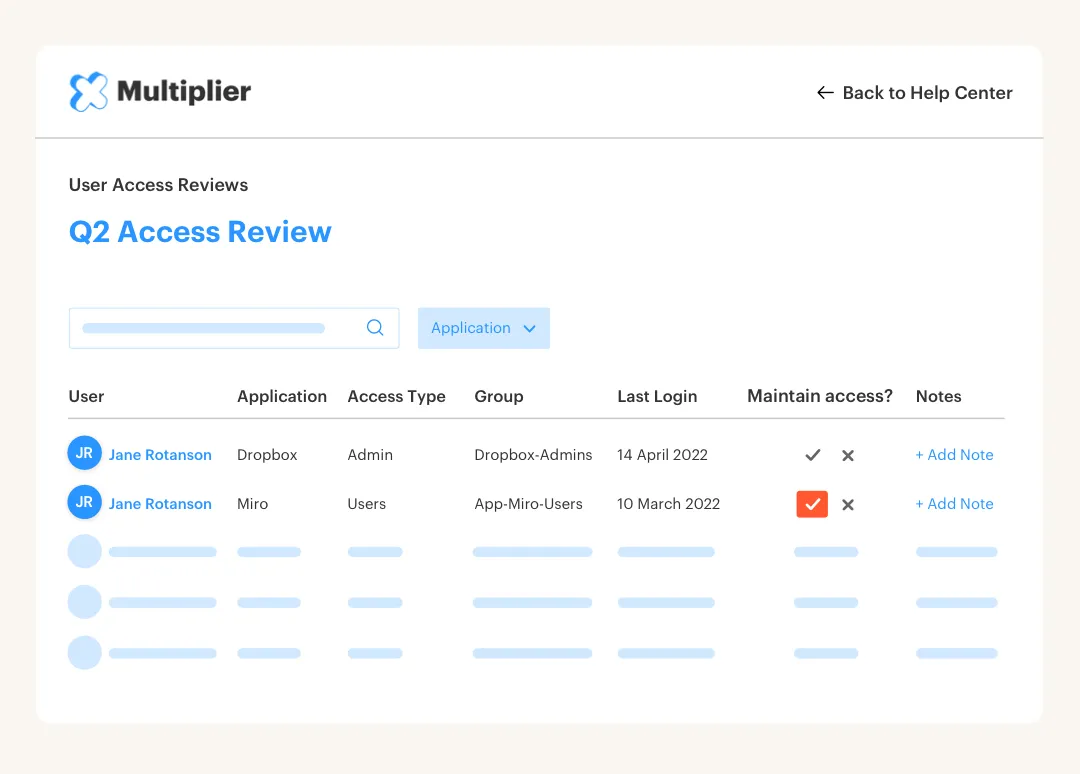
Enable app owners to perform access reviews and automatically create Jira issues for revoking access.
Reduce audit fatigue by eliminating spreadsheets and screenshots.
Published price
$5/user/mo (Standard)
$6/user/mo (Advanced)
Enable time-based access to apps and resources

Request and approve access in Slack
Manager and App Owner approval flows