Pick Serval if you want to replace JSM or ServiceNow with one AI-run service desk that also covers incidents, changes, assets and device work. Pick Multiplier if JSM stays your service desk and you want access requests, access reviews and onboarding inside it, at a published $5 per user per month with a 30-day free trial.
Serval is built to become your service desk. Its pricing page offers two modes: "Full-stack ESM", where Serval is the system of record, or an "Automation Layer" on top of the desk you already run. Its own funding announcement says "we fully replace the system of record." If your team has decided JSM stays, these are the differences that matter.
| What to check | Serval | Multiplier |
|---|---|---|
| Published price | None. Every engagement starts with a pilot, then a proposal (pricing) | $5 per user per month (Standard) or $6 (Advanced) (pricing) |
| Free trial | None found. The path is plan, pilot, deploy, go-live with Serval's deployment team (pricing) | 30 days, installed from the Atlassian Marketplace |
| Contract | Sold on AWS Marketplace as a private offer on 12, 24 or 36-month terms, with usage-based overages (AWS listing) | Monthly or annual through Atlassian, cancel at any time |
| Where requests live | Serval's own tickets, or a two-way sync with Jira Cloud that maps projects, request types, priorities and statuses (docs) | On the Jira issue in your JSM help center, with approvals in Jira or Slack |
Serval publishes no price, so there is no like-for-like sum to show. Multiplier's price is public: $5 per user per month on Standard and $6 on Advanced.
One point Serval raises is fair. Its JSM comparison notes that a paid Marketplace app is licensed for every user on the Jira site. That is how Multiplier is billed too: Atlassian counts all licensed Jira users, and you can't buy Multiplier for a subset of them. On a site with 100 licensed Jira users, that is $500 a month on Standard or $600 on Advanced, before Atlassian's annual or volume discounts.
You don't have to migrate tickets to try it. Multiplier runs on the JSM site you already have.
How long this takes depends on how many apps you put in the catalog. The identity provider connection is the only part that needs an admin on both sides.
Both. Serval can sync tickets both ways with Jira Cloud and import JSM request types, but its full-stack mode replaces JSM as the system of record. Multiplier doesn't sync with JSM; it runs inside it.
Serval doesn't publish prices. Its pricing page offers a pilot followed by a custom proposal, and its AWS Marketplace listing is a private-offer contract on 12, 24 or 36-month terms.
We found none. Evaluation runs as a guided pilot with Serval's deployment team. Multiplier has a 30-day free trial on the Atlassian Marketplace.
Yes. Atlassian prices a paid app on the full user count of the Jira site, and Multiplier is billed that way. At $5 per user per month, a 100-user site pays $500 a month on Standard.
Yes. Both import roles and groups from Okta, Microsoft Entra ID and Google Workspace. Multiplier also connects to JumpCloud.
Checked on 21 November 2026: Serval pricing, Serval Jira integration docs, Serval vs Jira Service Management, Serval access management, Serval on AWS Marketplace, Serval trust center, Serval's Series C announcement and Multiplier pricing.
Seamless integration with Jira Service Management
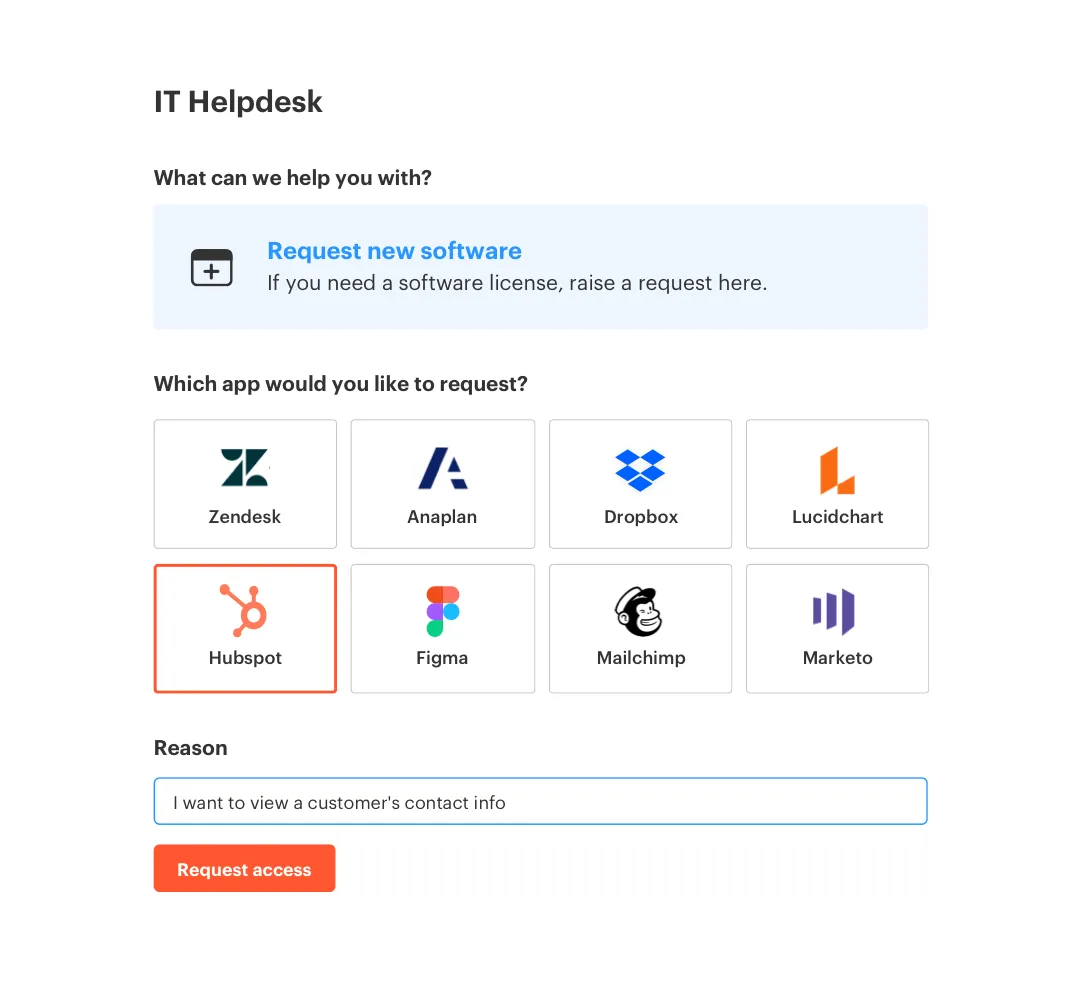
Boost employee productivity by enabling just-in-time, self service access requests from a portal your users are already familiar with.
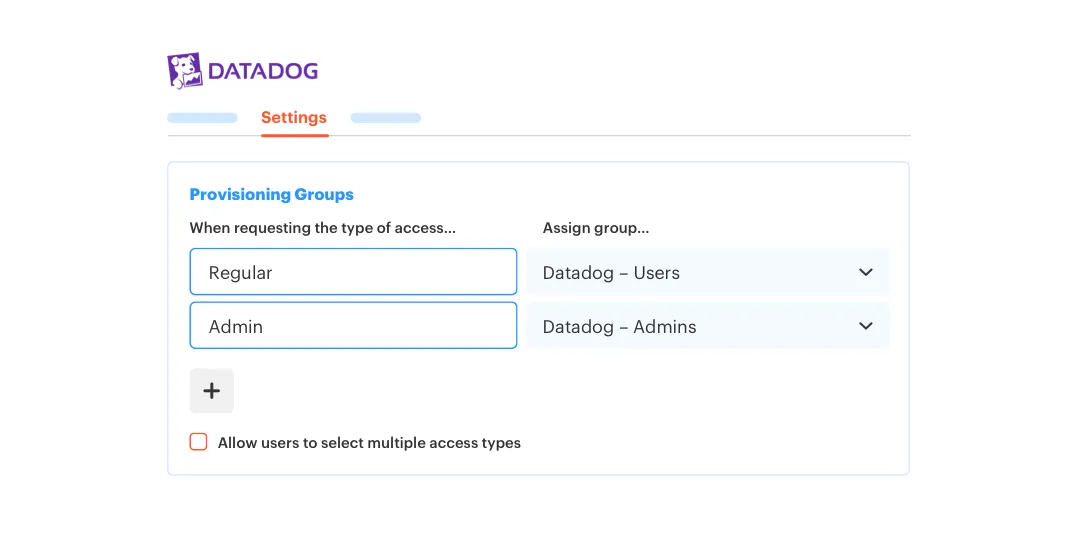
Map end-user roles to your identity groups to ensure appropriate levels of access for your employees, without having to expose group names.
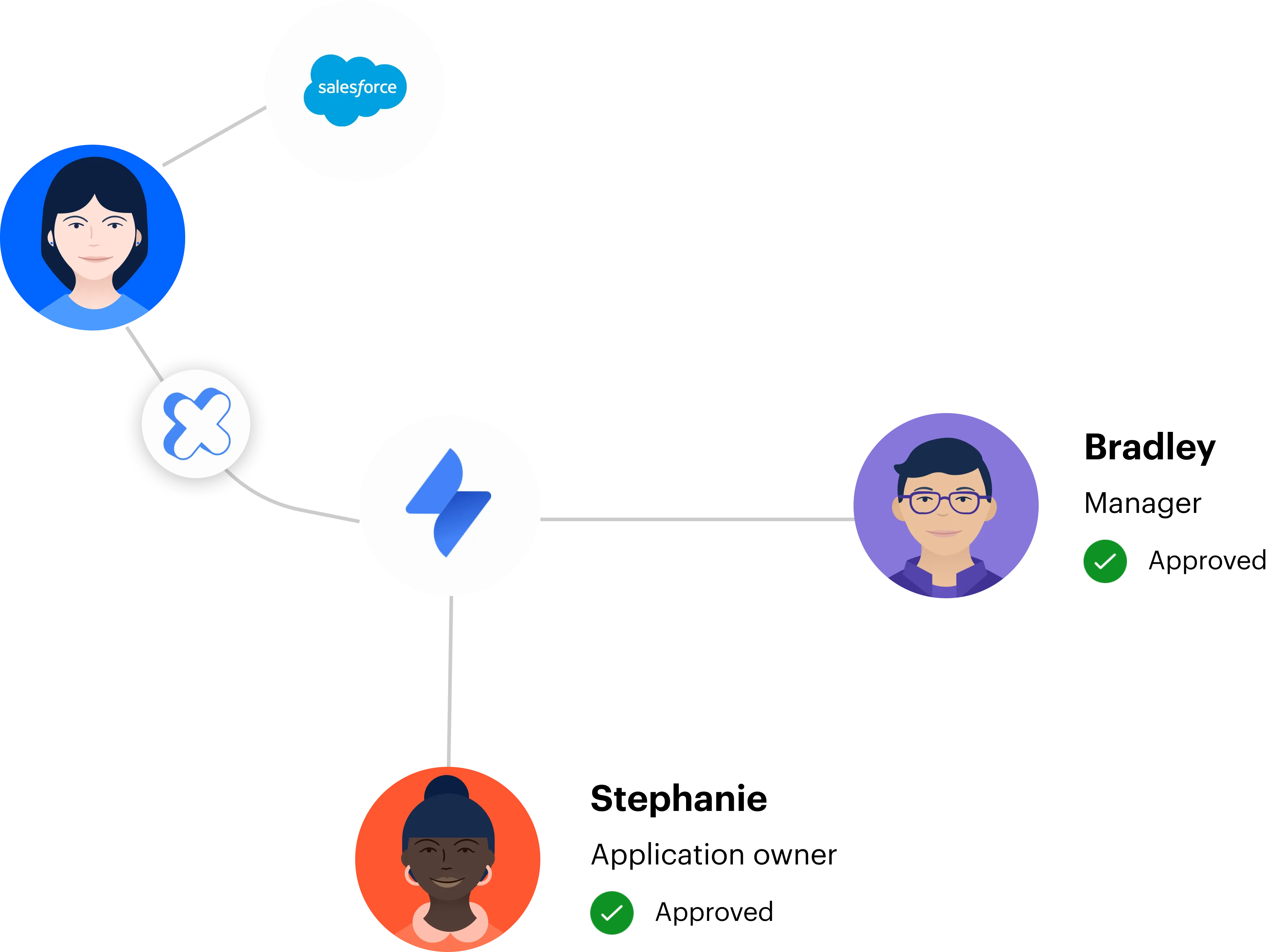
Set up multi-stage approvals and auto-approve low-risk access using familiar Jira workflows.
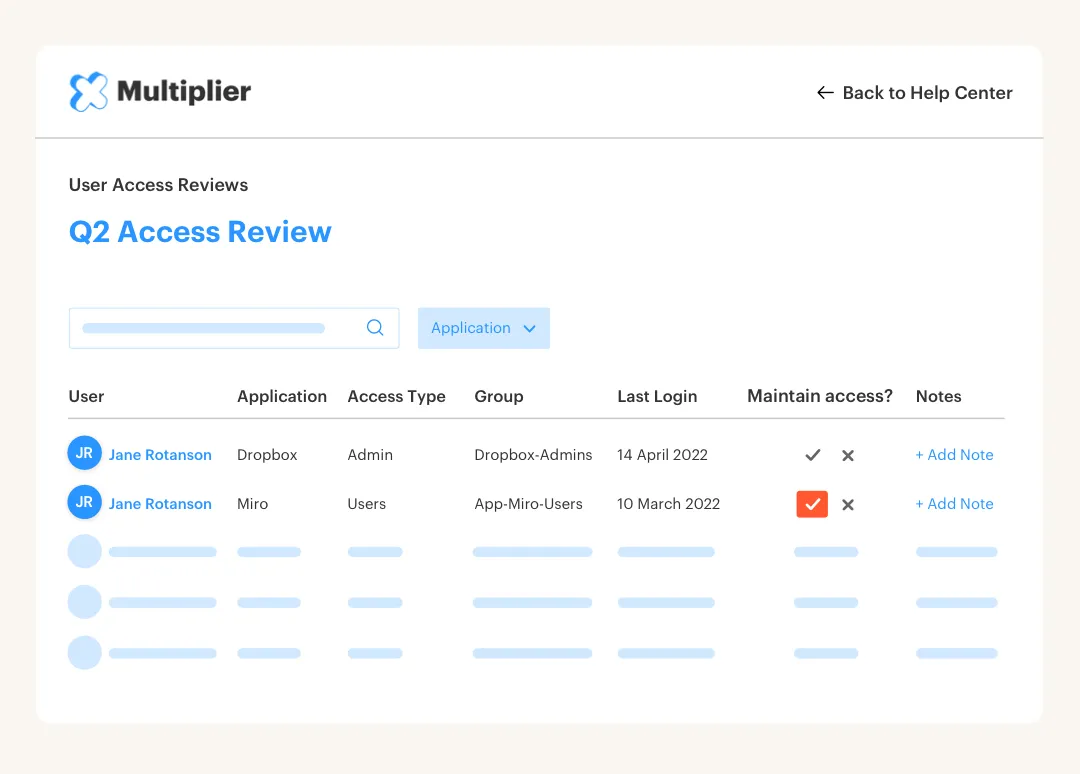
Enable app owners to perform access reviews and automatically create Jira issues for revoking access.
Reduce audit fatigue by eliminating spreadsheets and screenshots.
Published price
$5/user/mo (Standard)
$6/user/mo (Advanced)
Native integration with Jira Service Management
Multiplier integrates natively within Jira Service Management and lets you offer access requests within your JSM help center.

Enable time-based access to apps and resources
Request and approve access in Slack
Manager and App Owner approval flows
Specify custom access expiry durations