Last updated: November 21, 2026
Jira is Atlassian's tool for teams that plan and track their own work on boards and backlogs. Jira Service Management (JSM) is for teams that handle requests from other people, with a portal, queues, SLAs and IT service management features. Jira licenses every user. JSM licenses only agents, and people raising requests are free.
Both run on the same Jira platform, so a JSM request can link to a Jira work item and a developer can pick it up without leaving their board. Below is how they differ, how each is licensed as of November 2026, and how to decide.
Jira vs Jira Service Management at a glance
Prices are from Atlassian's Jira pricing page, its cloud list price tables and its Service Collection licensing page, as of November 2026.
What is Jira?
Jira is Atlassian's work tracking product for teams that manage their own work. Software teams use it for sprints, backlogs and releases. Marketing, operations and other business teams use it for projects with lists, boards and timelines.
You may still see the name Jira Software. In May 2024 Atlassian combined Jira Software and Jira Work Management into one product called Jira. So "Jira vs Jira Software vs Jira Service Management" is now a two-way comparison, and "Jira Software vs Jira Service Management" means the same as "Jira vs JSM".
What is Jira Service Management?
Jira Service Management is Atlassian's service desk and IT service management product. Atlassian renamed it from Jira Service Desk in November 2020. Employees or customers submit a request, an agent picks it up from a queue, and the SLA clock tracks how long it takes.
IT teams use it for help desk requests, incidents and changes. HR, legal and facilities teams use it the same way for their own requests, such as onboarding or contract reviews. As of November 2026 Atlassian sells JSM only inside Service Collection, a bundle with Customer Service Management, Assets and Rovo. Its licensing page says "The apps cannot be purchased separately."
The key differences
Who each product is for
The question to ask is where the work comes from. If your team decides what to work on and tracks it, that's Jira. If other people send your team work and expect a response, that's JSM.
A development team planning a release works in Jira. The IT team that resets passwords, approves software requests and runs onboarding works in JSM. The two often meet when a support request turns out to be a bug.
Agents, customers and Jira users
This is the difference that drives cost. In JSM, Atlassian defines an agent as "a user who can work on tickets and communicate directly with your customers". Agents see the queues, reports and SLA metrics, reply to customers and manage the knowledge base.
A customer is anyone who raises a request through the portal or by email. Customers can create, comment on and track their own requests. Atlassian says customers "are free and don't require a Service Collection license", with no limit on how many you have.
There is a third role. Jira users who aren't licensed as JSM agents can still add internal comments to help diagnose a ticket, and watch tickets for updates, according to the same page. That lets a developer or a manager help on a request without an agent seat.
In Jira, there's no such split. Atlassian bills for every user who can log in to the site (Jira pricing).
Request types and the portal
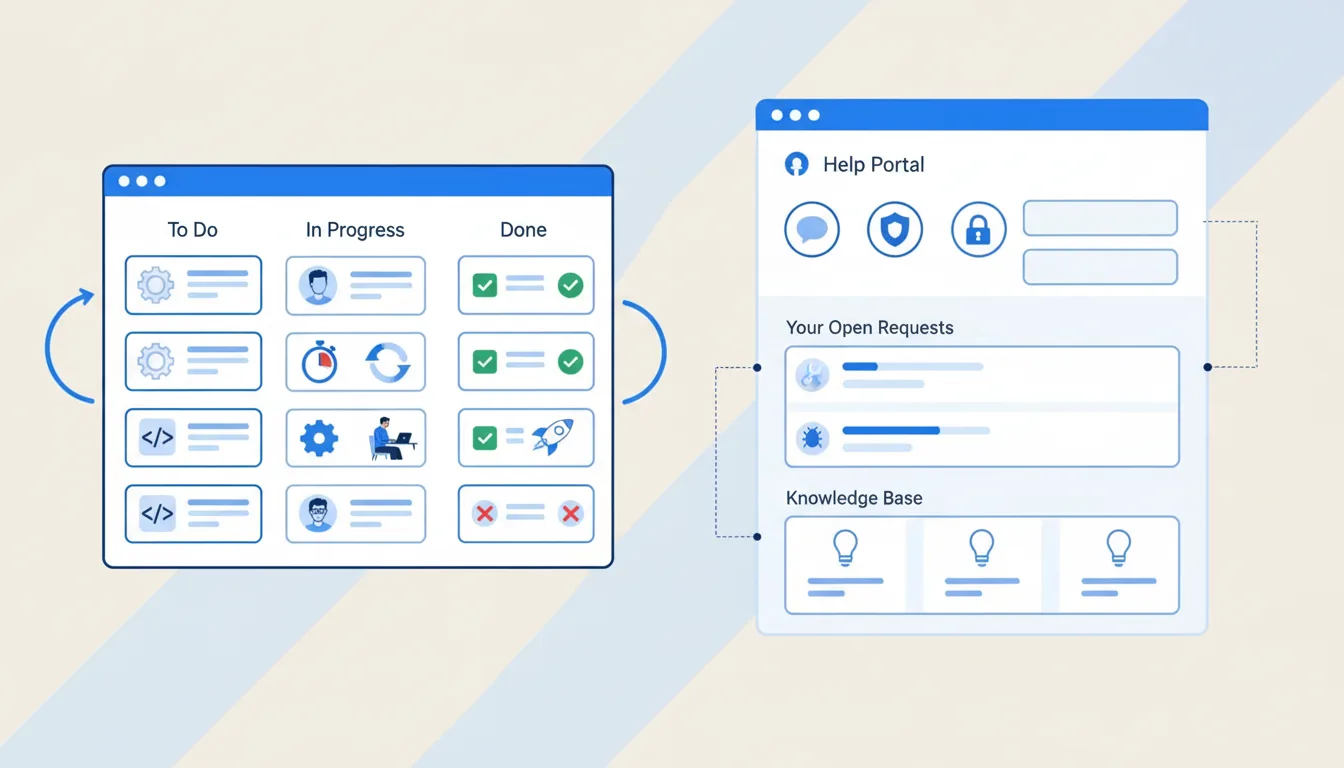
JSM organizes incoming work into request types, such as "Request new software" or "Report a broken laptop." Each one has its own form, fields and workflow, and appears in the customer portal under a plain-language name.
Requests can also come in by email, Slack, Microsoft Teams or an embedded widget (Service Collection pricing). Jira has forms for collecting data, but its plans don't include a customer portal (Jira pricing).
Queues and SLAs
Queues are saved views of incoming requests that agents work through, such as "Unassigned" or "Breaching SLA in 1 hour." SLAs are timers on each request, like time to first response and time to resolution, with goals that can change by priority or request type.
Atlassian lists request management with queues and SLAs on every Service Collection plan, Free included (pricing page). Jira's plans list neither, though you can approximate a queue with a filter.
ITSM features: incidents, problems, changes and Assets
JSM covers the IT service management practices that IT teams are audited on. These are request, incident, problem and change management, plus Assets for tracking hardware, software and configuration items.
Assets is included in Standard, Premium and Enterprise, with a different object allowance on each. Premium adds advanced incident, problem, change and asset management, a 99.9% uptime SLA and 24/7 support for critical issues (pricing page). Jira's plans don't include these practices.
Licensing and pricing
The two products are licensed separately, on different units. Atlassian says "You don't need to have the same number of Jira and Service Collection licenses", so you can license 200 developers in Jira and 12 agents in JSM.
Both use progressive monthly pricing, so the rate per seat falls as you add more. The headline figures on Atlassian's pages are averages at a set team size. Jira's $8.48 Standard and $15.56 Premium are what you pay per user at 300 users, by our calculation from Atlassian's list price tables, and JSM's $21.50 and $55.28 are averages for 75 agents. Usage billing for automation and Rovo above the included allowances starts on December 3, 2026 (Atlassian).
For every JSM band, annual tiers, usage fees and worked costs at 10, 50 and 250 agents, see our Jira Service Management pricing guide.
When to use Jira and Jira Service Management together
Use both when one team takes requests and another team builds or fixes things. The common case is IT or support in JSM and engineering in Jira, on the same Atlassian site.
How a request reaches developers
An agent can escalate a JSM request by creating a linked work item in a Jira space, from the Link work item menu (Atlassian support). Both admins and agents can do this, and Atlassian says it works best when the Jira team can view and comment on work items in your service space.
Atlassian also has a developer escalation feature, which an admin has to set up for the service project first, for requests that need developer input to resolve (Atlassian support).
How to license a mixed team
- Developers who only work in Jira need a Jira license and no JSM license.
- Support and IT staff who work requests need a JSM agent license. They don't need a Jira license unless they also work in Jira spaces.
- Developers who only add internal comments on JSM tickets don't need an agent license, because Jira users can comment internally and watch tickets.
- Employees and customers who raise requests need no license at all.
Which one do you need?
- Jira only. Your team plans and tracks its own work, and nobody outside the team sends you requests that need a response time.
- Jira Service Management only. You run an IT, HR or facilities service desk, and nobody else in the company needs a development board.
- Both. You have a service desk and a development or project team, and requests sometimes turn into engineering work.
If you're comparing JSM with other service desks instead, read Jira Service Management vs ServiceNow and JSM vs Freshservice.
Access management inside Jira Service Management
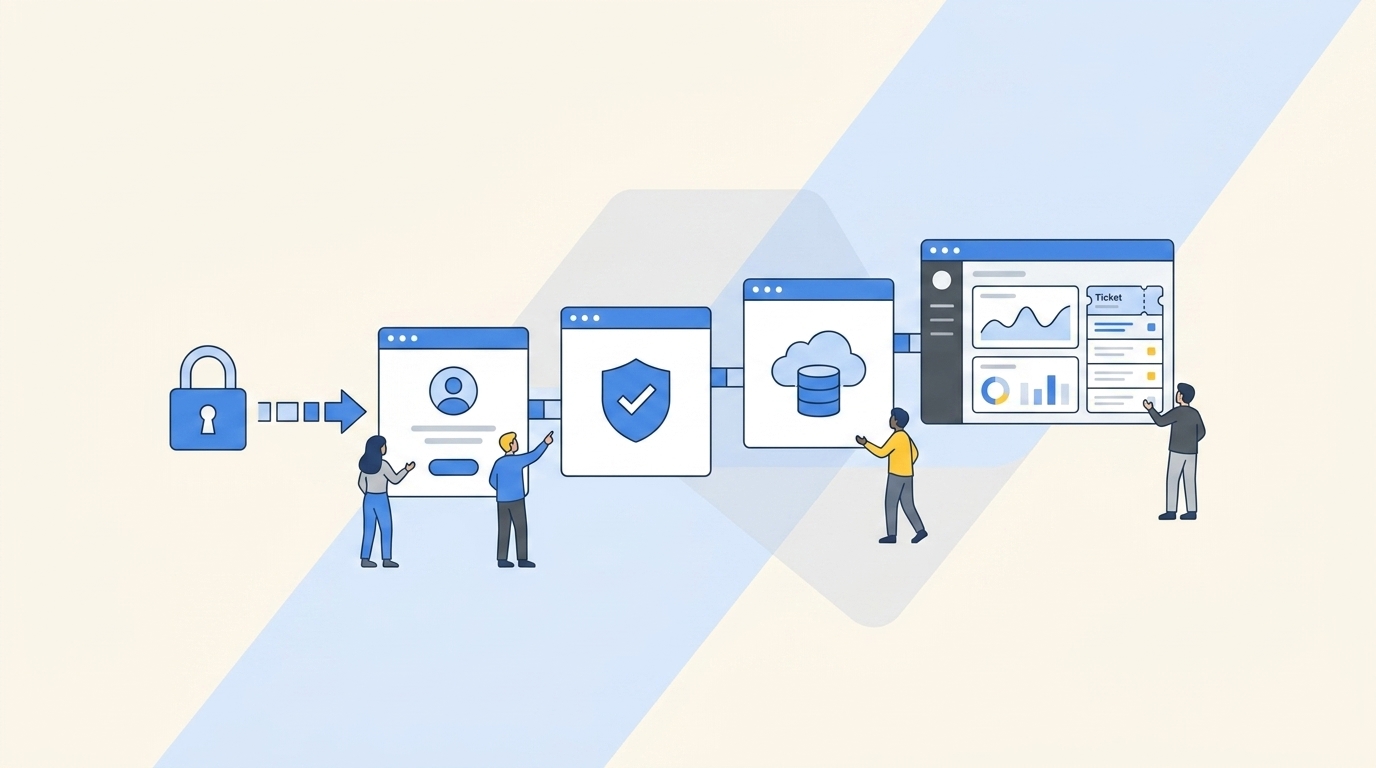
JSM can take an access request through the portal and route it for approval. Someone still has to approve each one, add the user to the right group in Okta or Entra, and remember to remove the access later.
Multiplier is an identity governance and access management app that runs inside Jira Service Management. Employees request apps from a catalog in the JSM portal or Slack, approvers sign off, and Multiplier provisions the access through Okta, Microsoft Entra ID, Google Workspace or JumpCloud. It also runs time-based access, user access reviews and onboarding and offboarding workflows from Jira tickets, with every action logged on the ticket. See access requests in Jira Service Management for how it works.
Multiplier is billed per licensed Jira user. It costs $5 per user per month on Standard and $6 on Advanced, with a 30-day free trial. Start your free trial on the Atlassian Marketplace.
Frequently asked questions
Is Jira Service Management the same as Jira Service Desk?
Yes. Jira Service Desk is the old name. Atlassian renamed it Jira Service Management in November 2020 and added incident, problem and change management on top of the service desk features. If you find a guide or a forum answer that talks about Jira Service Desk, the advice about portals, queues and SLAs still applies to Jira Service Management today.
Do I need Jira to use Jira Service Management?
No. Jira Service Management is licensed on its own, inside Service Collection, and you can run a service desk without any Jira licenses. You only need Jira if another team, such as developers, tracks its own work in Jira spaces. Atlassian says you don't need the same number of Jira and Service Collection licenses, so you buy each for the people who use it.
Can I use Jira as a service desk?
You can take requests in Jira with forms and filters, but you lose what makes a service desk work. Jira has no customer portal, no SLA timers, no queues for triage and no knowledge base for deflection. And everyone who raises a request needs a Jira license. For more than a handful of internal requests, JSM's free customers and SLA tracking usually make it the better fit.
Is Jira Service Management free?
For small teams, yes. As of November 2026 the Free plan covers up to 3 agents and unlimited customers, with queues, SLAs and a knowledge base. It has limits on storage, email notifications and automation, and support comes from the Atlassian Community. Paid plans start at $26.90 per agent per month on Standard for the first 15 agents.
Do JSM agents need a Jira license?
Not to work requests. A JSM agent license covers the queues, the portal, customer replies and the knowledge base in service spaces. An agent who also works on boards in Jira spaces, such as a developer who takes support shifts, needs a Jira license as well. Jira users without an agent license can still add internal comments on JSM tickets and watch them.
What does JSM stand for?
JSM stands for Jira Service Management, Atlassian's service desk and IT service management product. You will also see JSW for Jira Software, which Atlassian merged with Jira Work Management into a single product called Jira in 2024. So "JSM vs JSW" and "JSM vs Jira" ask the same question, which comes down to service requests versus a team's own work.