On this page
Last updated: November 21, 2026
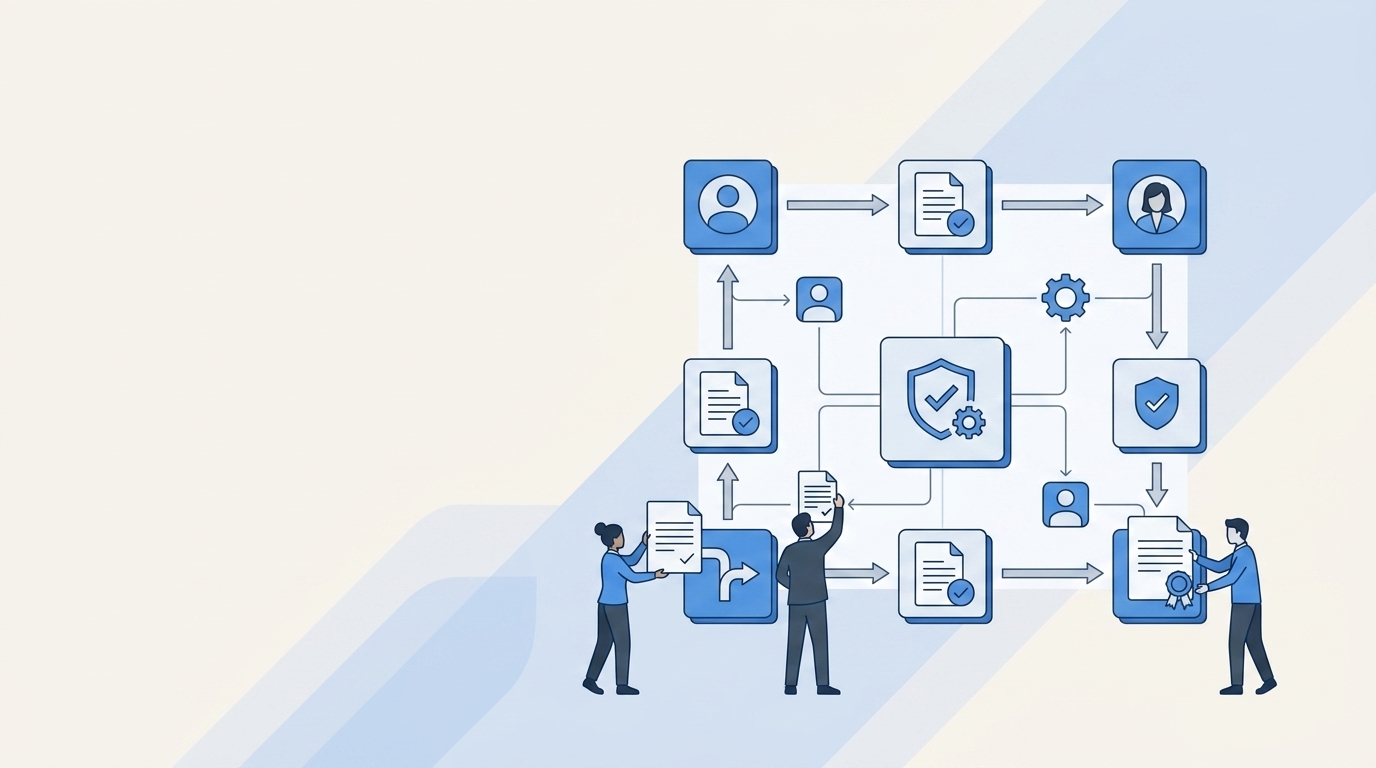
Role-based access control (RBAC) is a way of managing access where permissions belong to roles, and people get permissions only by being assigned a role. A role matches a job, such as "Support agent" or "Finance analyst". When someone joins, moves teams or leaves, you change their role instead of editing dozens of individual permissions.
This gives each employee exactly the level of access they need, with minimal effort from you or the employees themselves.
This guide covers:
- What RBAC is and where it came from
- The three rules RBAC is built on
- Role-based access control examples
- The components of an RBAC system
- RBAC models
- RBAC vs ABAC
- How to implement RBAC in 6 steps
- Frequently asked questions
What is role-based access control (RBAC)?
RBAC is an access control model in which, as NIST's RBAC project puts it, "all access is through roles." A role is a collection of permissions. Users receive permissions only through the roles they hold, never directly.
Take a role called "HR administrator." It might include read and write access to the HR system, read access to the payroll export, and edit rights on the employee handbook. Everyone in HR operations gets that role, and nobody gets those permissions any other way.
Roles vs groups
Roles look a lot like the groups in your directory, but NIST draws a clear line between them. A group is a collection of users, and permissions can still be attached to individual users alongside the group. A role is a collection of permissions, and RBAC does not allow the direct user grants that groups do.
A short history
According to NIST, simple role-based systems existed in commercial software from the 1970s, each built for a single application.
The general model came from David Ferraiolo and Richard Kuhn of NIST in 1992. Ravi Sandhu and colleagues added a framework of models in 1996. The two were merged and adopted as the U.S. standard ANSI/INCITS 359-2004.
How RBAC works: the three rules
The 1992 Ferraiolo and Kuhn model rests on three rules, as summarized by NIST:
- Role assignment. A user can perform an action only if they have been assigned a role. Logging in doesn't count as an action, so every active user needs at least one active role.
- Role authorization. A user's active role must be one they are authorized to hold. This stops people from taking on roles that were never granted to them.
- Transaction authorization. A user can perform an action only if one of their roles permits it, subject to any constraints you add on top.
The third rule says "only if", not "if". A role is necessary for access but doesn't have to be sufficient. That gap is where you can add extra checks, such as an approval step or a time limit, without breaking the model.
Role-based access control examples
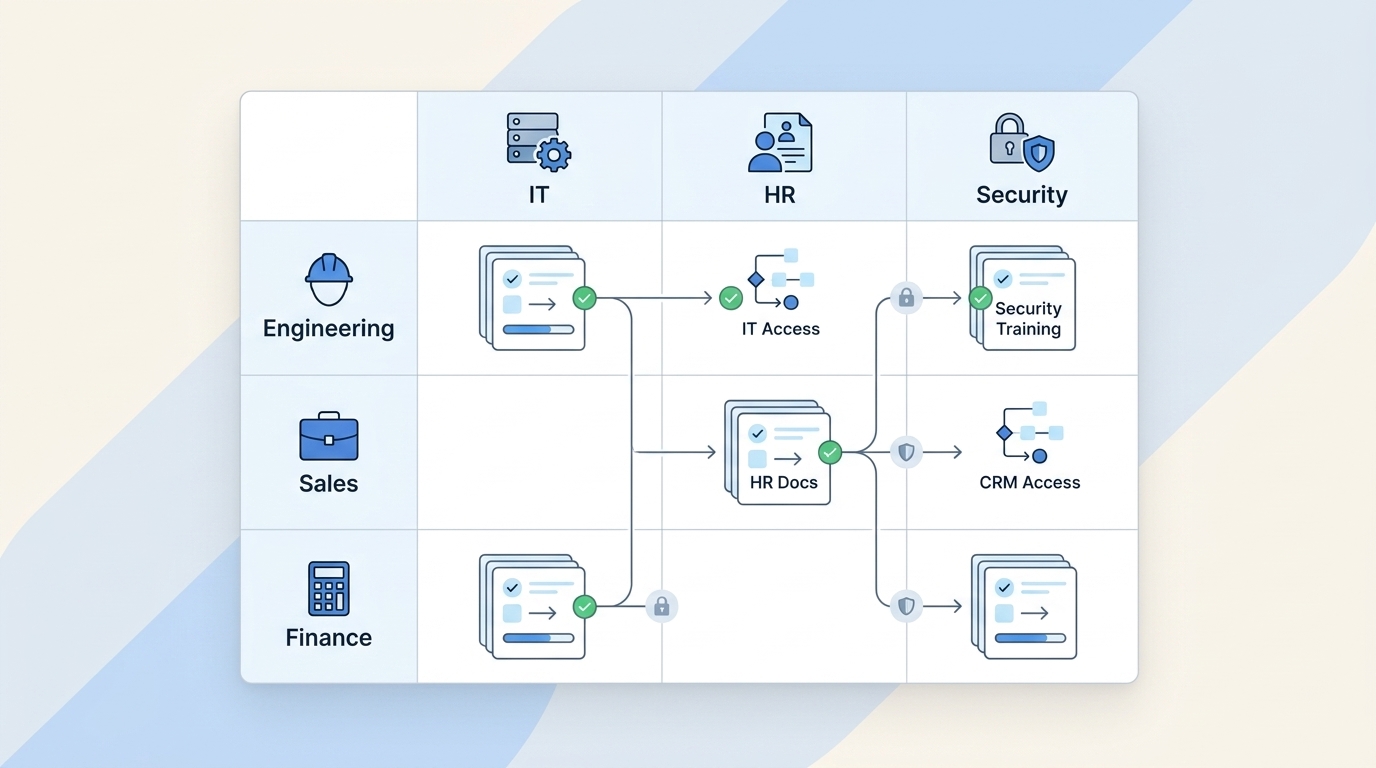
Here's what roles can look like at a 200-person software company. The apps are categories, and the permission names are illustrative. Use the role names your own tools offer.
A hospital works the same way. A nurse role can read and update charts for patients on the nurse's unit. A physician role can also write prescriptions and order tests. The hospital defines those two roles once, so it doesn't decide access for each new hire separately.
How roles map to identity provider groups
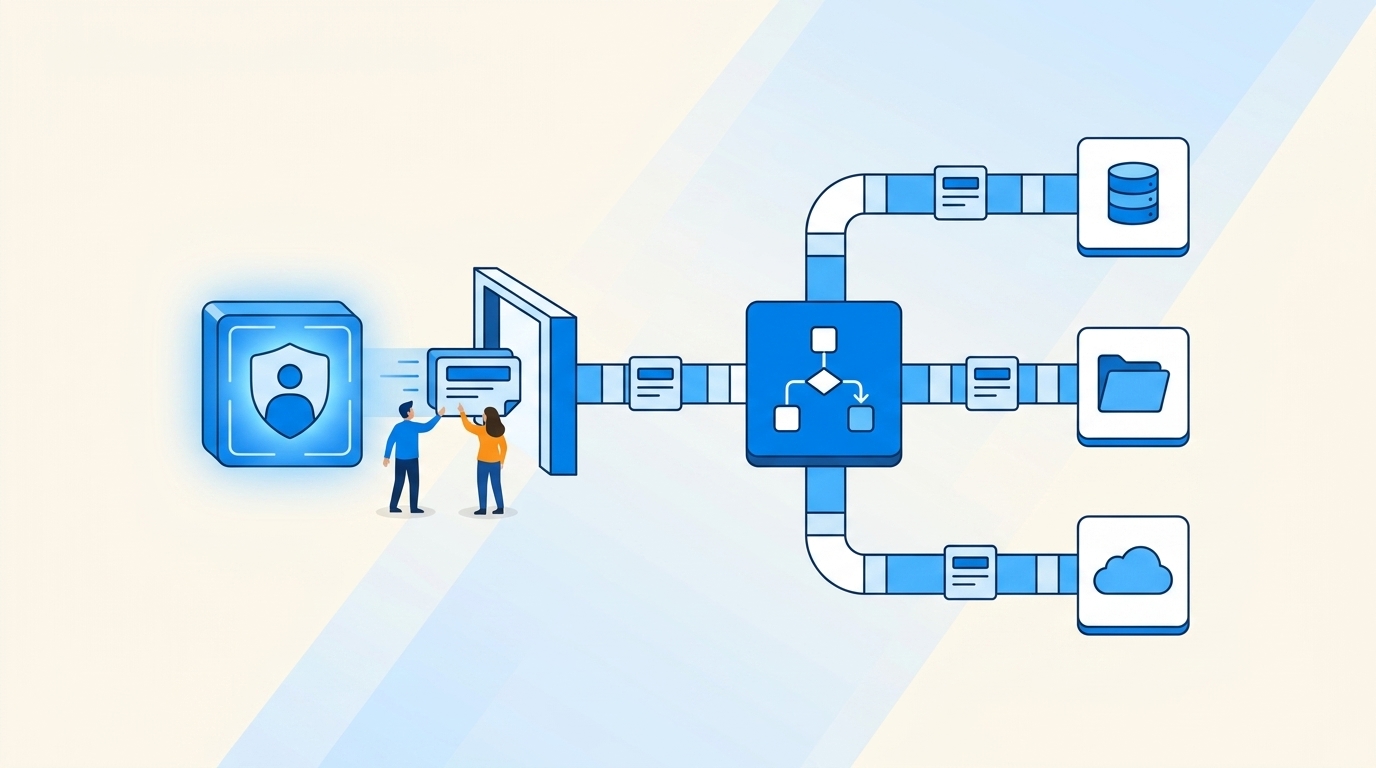
In a SaaS stack, each role usually becomes one or more groups in your identity provider, such as Okta, Azure AD (now Microsoft Entra ID), Google Workspace or JumpCloud. Each app assigns its own permissions to the group. Adding someone to "Support agent" puts them in the right groups, and those groups give them the right access in each app. Drive those group changes from HR events and you can provision on hire and revoke on termination.
For more on keeping that mapping accurate as teams change, see our guide to role mapping with contextual insights.
Role-Based Access Control Components Explained
Role-based access control (RBAC) determines access based on the user's role. With RBAC, individuals are assigned roles, and roles are assigned permissions to objects or systems.
The following components make up an RBAC system:
Users
A user is a person, or sometimes a service account, who needs access. Administrators give each user the roles that match their job, so a new accountant gets the "Accountant" role and nothing more. If you find yourself adjusting access by location, device or time of day, you've moved into attribute-based access control, covered below.
Roles
A role is a named set of permissions that maps to a job function. You define it once and grant it to everyone who does that job. Writing down your roles also exposes gaps, such as resources nobody owns or access that no role explains.
Operations
An operation is an action a user can take, such as create, read, update or delete. Approving an invoice, merging a pull request and exporting a customer list are all operations.
Objects
An object is the resource a user acts on. It may be a file, a database table, an application or a single record inside an application.
Role-based permissions
A permission is an operation on an object, such as "read" on "payroll report." Role-based permissions are permissions attached to roles instead of to individual users.
This is what makes RBAC easy to audit. To answer "who can export customer data?", you look at which roles include that permission, then at who holds those roles. For more on choosing how fine-grained each permission should be, see how to implement granular access control.
Sessions
In the RBAC standard, a session is the set of roles a user has active at a given time. The NIST summary of INCITS 359-2004 describes this as "role activation as part of a user's session."
A user can hold several roles but activate only the ones a task needs. Someone who is both an engineer and an on-call responder can work most of the day in the engineer role and switch on the responder role during an incident. Sessions are also how dynamic separation of duty works. It blocks certain roles from being active together, even if the user holds both.
Types of RBAC models
There are two common ways to describe the RBAC models. Both are summarized on the NIST RBAC FAQ.
The ANSI/INCITS 359-2004 standard defines four components:
The earlier 1996 framework by Sandhu and colleagues numbers the models RBAC0 to RBAC3. RBAC0 is the base model with users, roles and permissions. RBAC1 adds hierarchies, RBAC2 adds constraints, and RBAC3 combines both.
A practical starting point is core RBAC plus a small hierarchy. Separation of duty matters most around money and production systems, and auditors often ask about it.
RBAC vs ABAC
Attribute-based access control (ABAC) decides each request by checking attributes, not roles. NIST SP 800-162 defines it as a method where requests "are granted or denied based on assigned attributes of the subject, assigned attributes of the object, environment conditions, and a set of policies that are specified in terms of those attributes and conditions."
The difference is easiest to see in a rule. An RBAC rule says "Finance can open the accounting system." An ABAC rule says "Finance can approve invoices under $10,000, only from a managed device, during business hours."
When to use RBAC, ABAC, or both
Use RBAC when access follows job function, which covers most app access in a typical company. It is easier to explain to auditors and to the people who request access.
Use ABAC when the right answer depends on context, such as where the request comes from or how sensitive the record is. Our post on contextual access controls for zero trust covers that side.
Many teams use both. Roles decide who can reach an app, and attributes or app-level rules narrow what they can do inside it.
RBAC vs ACL, DAC and MAC
- Access control list (ACL). Each resource keeps a list of users or groups and what they can do with it. ACLs work for a single system but get hard to manage across many. RBAC defines access once per role instead of once per resource.
- Discretionary access control (DAC). The owner of a resource decides who gets access, as with sharing a file. NIST presents RBAC as an alternative to DAC, where the organization, not the owner, sets access.
- Mandatory access control (MAC). A central authority assigns security labels, such as "secret", and the system enforces them. It is common in government and military settings and rare in SaaS companies.
Why role-based access control matters
Benefits
- Least privilege by default. Nothing reaches a person outside a role.
- Faster onboarding and offboarding. A new hire gets one or two roles instead of a long list of tickets, and removing the roles removes the access.
- Simpler audits. Reviewers check roles and role membership instead of every permission for every user.
- Separation of duties. You can stop one person from holding conflicting roles.
Drawbacks
- Role explosion. Teams create a new role for every exception until there are more roles than people can track.
- Role creep. People change jobs and keep their old roles, so their access grows over time. See how to prevent privilege creep.
- Coarse decisions. Roles can't express context such as time or device. That is where ABAC or app-level rules come in.
How to implement RBAC in 6 steps
1. Inventory your apps and current access
List every app, who owns it and who has access today. You can't design roles until you know what access exists. Our guide to identity governance and administration explains where this inventory fits.
2. Define roles from job functions
Start with a few coarse roles per department, such as "Engineer" and "Sales rep." Add detail only when a real access difference shows up. A role that fits one person is usually an exception, not a role.
3. Map each role to identity provider groups
Create groups in your identity provider for each role, and grant app access to the groups. Keep the naming consistent so anyone can tell which role a group belongs to.
4. Automate joiner, mover and leaver changes
Assign roles when someone joins, change them when they move teams, and remove them when they leave. Drive these changes from HR or ticket events rather than memory. See automated onboarding and deprovisioning for compliance.
5. Handle exceptions with time-bound requests
When someone needs access outside their role, give it through an approved request that expires. Don't create a new role for it. This is how you avoid role explosion and standing admin rights, as covered in JIT privileged access.
6. Review roles and memberships on a schedule
Check that each role still includes the right permissions and that each member still needs it. Quarterly reviews are a common choice for sensitive apps. Our guide on how to create an access review campaign walks through one.
RBAC best practices and common mistakes
- Give every role an owner who approves changes to the role and its membership.
- Keep the role count low. Nearly one role per employee is per-user access with extra steps.
- Decide which roles must never be combined, especially around payments and production.
- Avoid standing admin rights. See our privileged access management best practices.
- Recertify regularly, as explained in the role of access reviews in IT security compliance.
How Multiplier helps you run RBAC in Jira
Multiplier is an identity governance app built for Jira Service Management, so RBAC requests and reviews run in the service desk you already use.
- Roles mapped to groups. Map end-user roles to identity groups in Okta, Azure AD, Google Workspace or JumpCloud. Employees request access in the Jira Service Management portal or Slack, managers and app owners approve, and Multiplier assigns the group. Time-bound access is removed on expiry. See access requests.
- Lifecycle automation. Create users in your identity provider from new hire tickets, and disable access during offboarding. See orchestration.
- Access reviews. Managers and app owners review access in one place, with audit-ready reports. See access reviews.
- User context in the ticket. View and update a user's attributes and group assignments from the Jira issue. See user management.
As of November 2026, Multiplier pricing starts at $5 per user per month, with a 30-day free trial.
Frequently asked questions
What is an example of role-based access control?
A support team is a common example. Everyone with the "Support agent" role gets agent access to the helpdesk and read-only access to the billing system, but no access to the production database. When a new agent joins, IT assigns that one role and they get every permission it includes. When they leave, removing the role removes all of that access at once.
What are the three primary rules of RBAC?
The three rules come from the 1992 Ferraiolo and Kuhn model. Role assignment means a user can act only if they hold a role. Role authorization means a user can activate only roles they have been granted. Transaction authorization means a user can perform an action only if one of their roles permits it. Together they make sure all access flows through roles.
What are the four types of RBAC?
The ANSI/INCITS 359-2004 standard has four components. Core RBAC covers users, roles, permissions and sessions. Hierarchical RBAC lets senior roles inherit from junior ones. Static separation of duty stops one person from holding conflicting roles. Dynamic separation of duty stops conflicting roles from being active in the same session. The older 1996 framework numbers its models RBAC0 to RBAC3.
How is RBAC different from attribute-based access control?
RBAC grants access based on the roles a person holds, such as "Finance analyst." Attribute-based access control (ABAC) evaluates attributes of the user, the resource and the environment on every request, such as department, data sensitivity, device or time. RBAC is simpler to set up and audit. ABAC handles fine-grained, context-dependent decisions that roles alone can't express.
Can RBAC and ABAC be used together?
Yes, and many teams do. A common pattern uses roles to decide which apps a person can reach, then uses attributes such as device, location, time or data sensitivity to limit what they can do inside those apps. This keeps the number of roles manageable while still handling cases that depend on context. Start with roles and add attribute rules only where you need them.
What is the difference between RBAC and an access control list?
An access control list (ACL) is attached to one resource and lists which users or groups can do what with it. RBAC attaches permissions to roles and then assigns roles to people, so one change to a role updates access everywhere. ACLs are simple for a single system. RBAC is easier to manage and audit across many apps, because access is defined once per job instead of once per resource.
What is role-based vs rule-based access control?
Role-based access control grants access based on the job a person does. Rule-based access control grants or denies access based on rules that apply to everyone, such as "no logins outside business hours" or "block traffic from this IP range." The two often work together. Roles decide what a person may access, and rules add conditions that apply no matter which role they hold.
Is role-based access control the same as role-based authentication?
No. Authentication checks who you are, usually with a password, single sign-on and MFA. Authorization decides what you can do after you log in, and RBAC is an authorization model. People often say "role-based authentication" when they mean RBAC. In practice, your identity provider authenticates the user, then their roles and groups decide which apps and actions they are authorized to use.
How often should RBAC roles be reviewed?
There is no single required interval, but many teams review sensitive apps quarterly and the rest at least once a year. Review two things each time. Check that each role still contains the right permissions, then check that each person in it still needs it. Also review a person's roles whenever they change teams, since job changes are the main cause of role creep.
Conclusion
RBAC works because it ties access to jobs, and jobs change more slowly than people do. Start with a few coarse roles mapped to identity provider groups, handle exceptions with requests that expire, and review roles on a schedule. That gives you least privilege without a separate decision for every new hire.